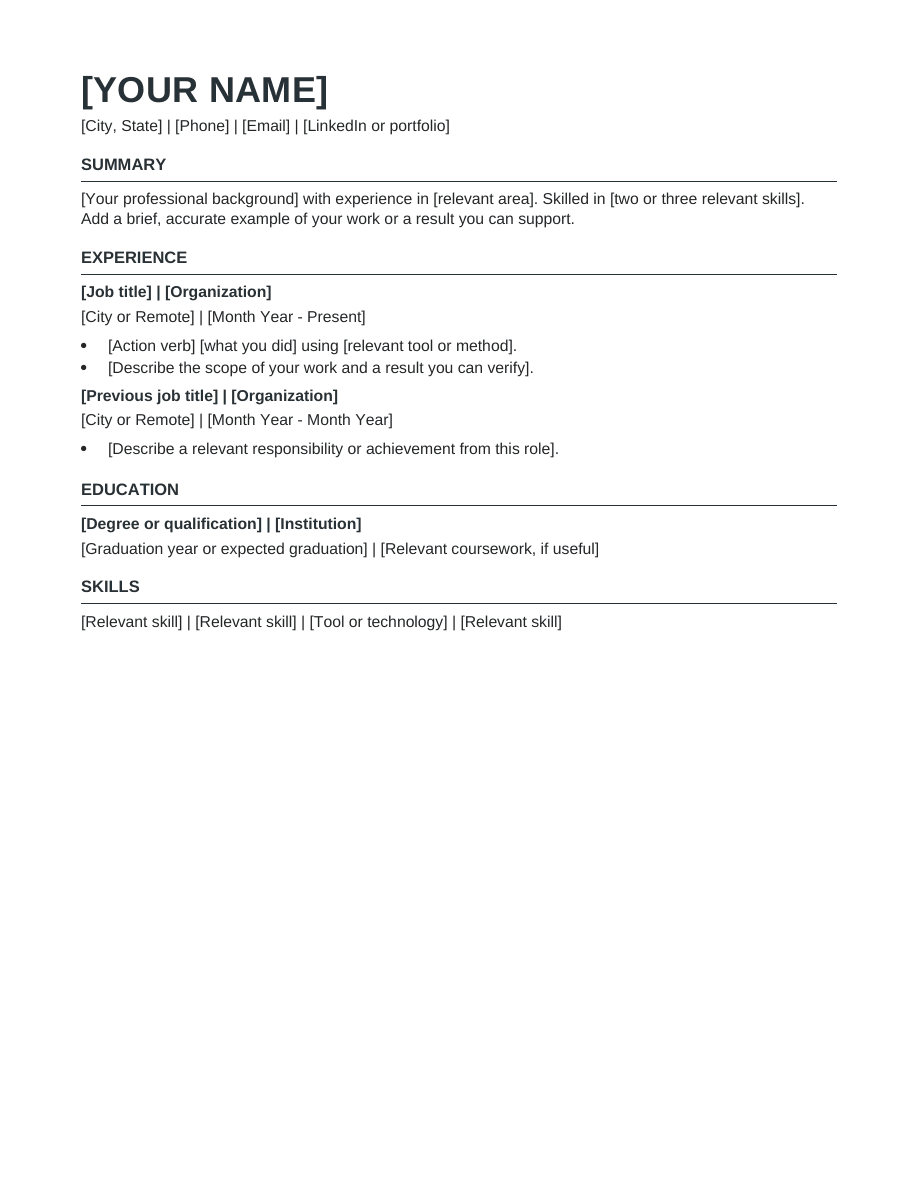
Everyday · Free DOCX
Simple
A single-column resume with familiar headings and generous spacing. Put your experience first and keep the layout easy to edit.
Preview and download
Free resume templates
22 clean, editable resume templates for Word and Google Docs. Find your field or career stage, download a layout, and make it yours. No account or payment required.
Build in Resumize with ATS-friendly templates, guided editing and a live preview. Start free, then upgrade when you need more.
Free account required. Free-plan PDF exports include a watermark.
22 free editable templates
Everyday · Free DOCX
A single-column resume with familiar headings and generous spacing. Put your experience first and keep the layout easy to edit.
Preview and download
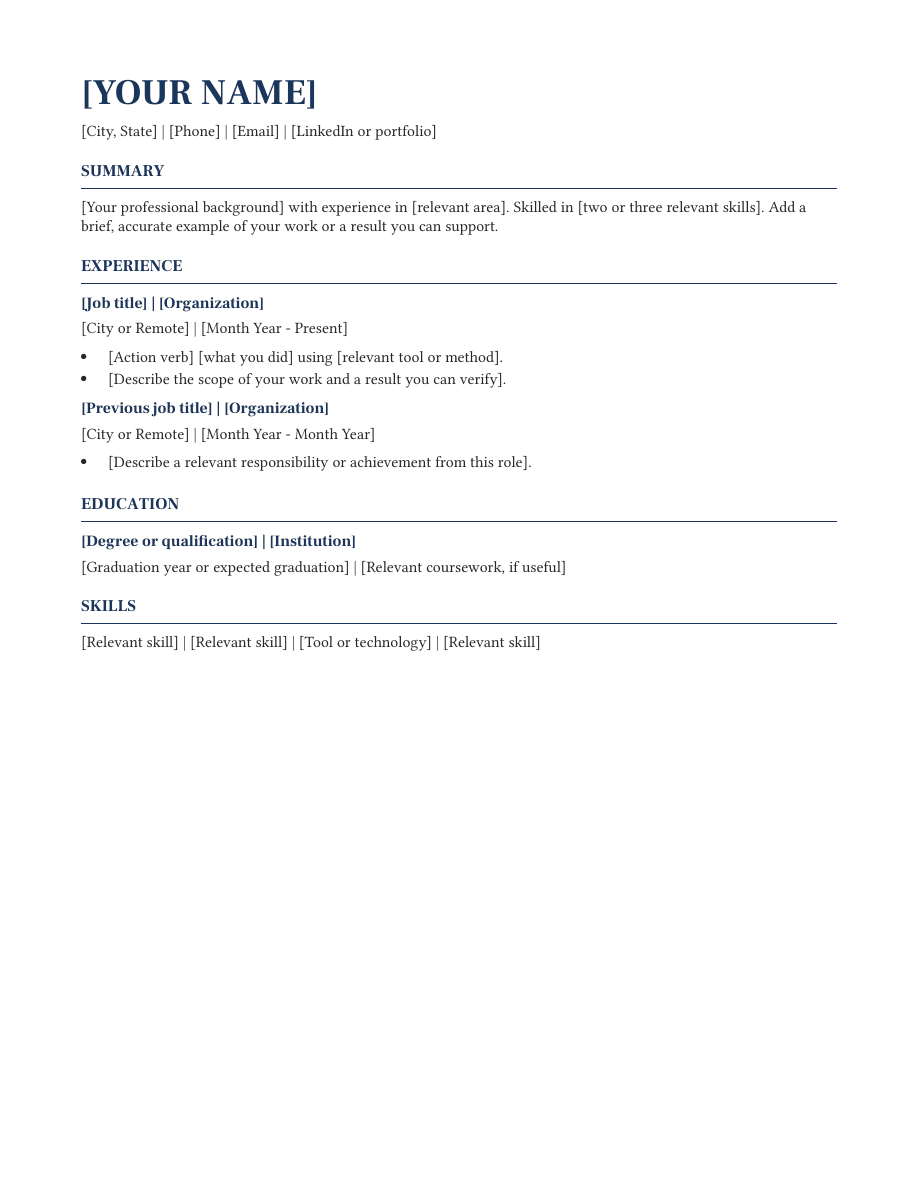
Experienced · Free DOCX
Serif typography and restrained navy headings give this editable resume a formal feel. Experience leads, followed by education and skills.
Preview and download
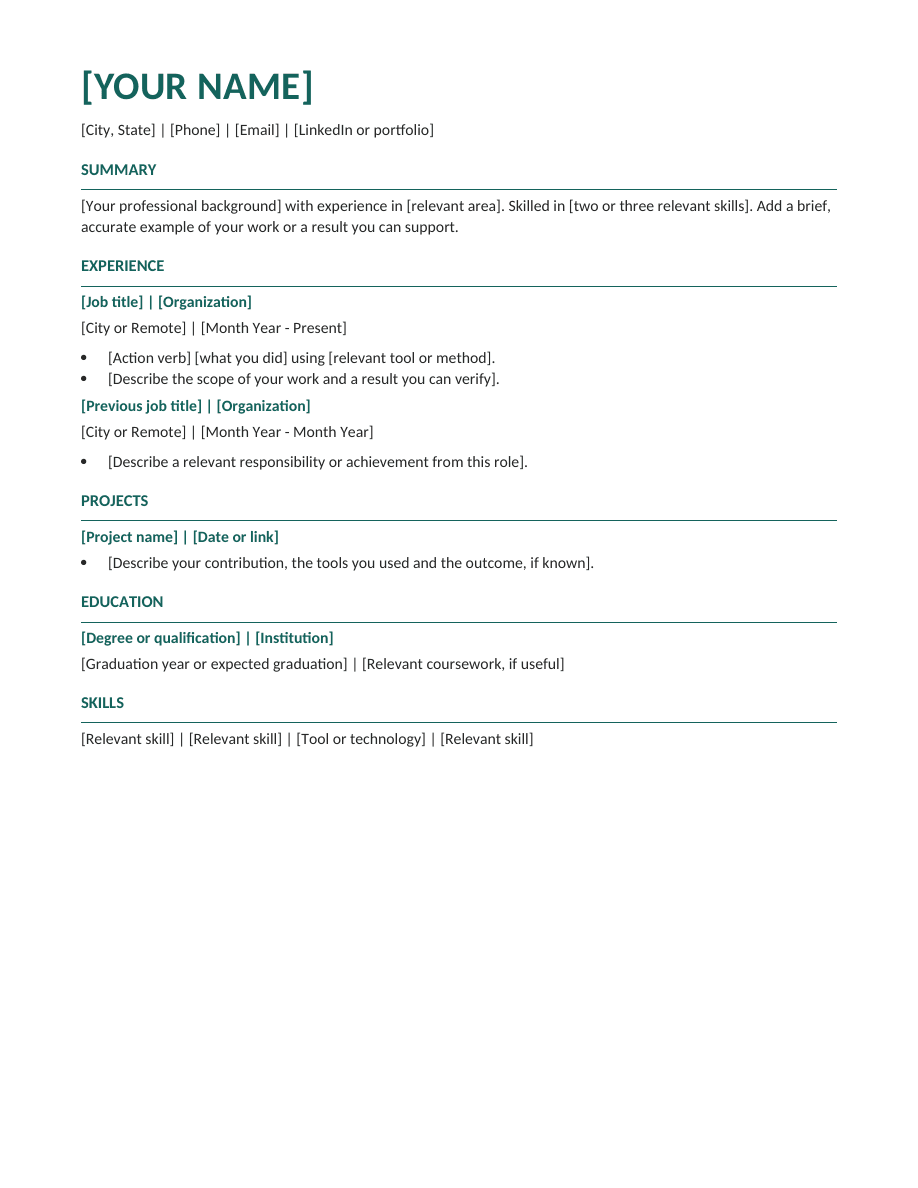
Everyday · Free DOCX
A modern single-column layout with teal section accents and a prominent name. All content remains ordinary editable text.
Preview and download
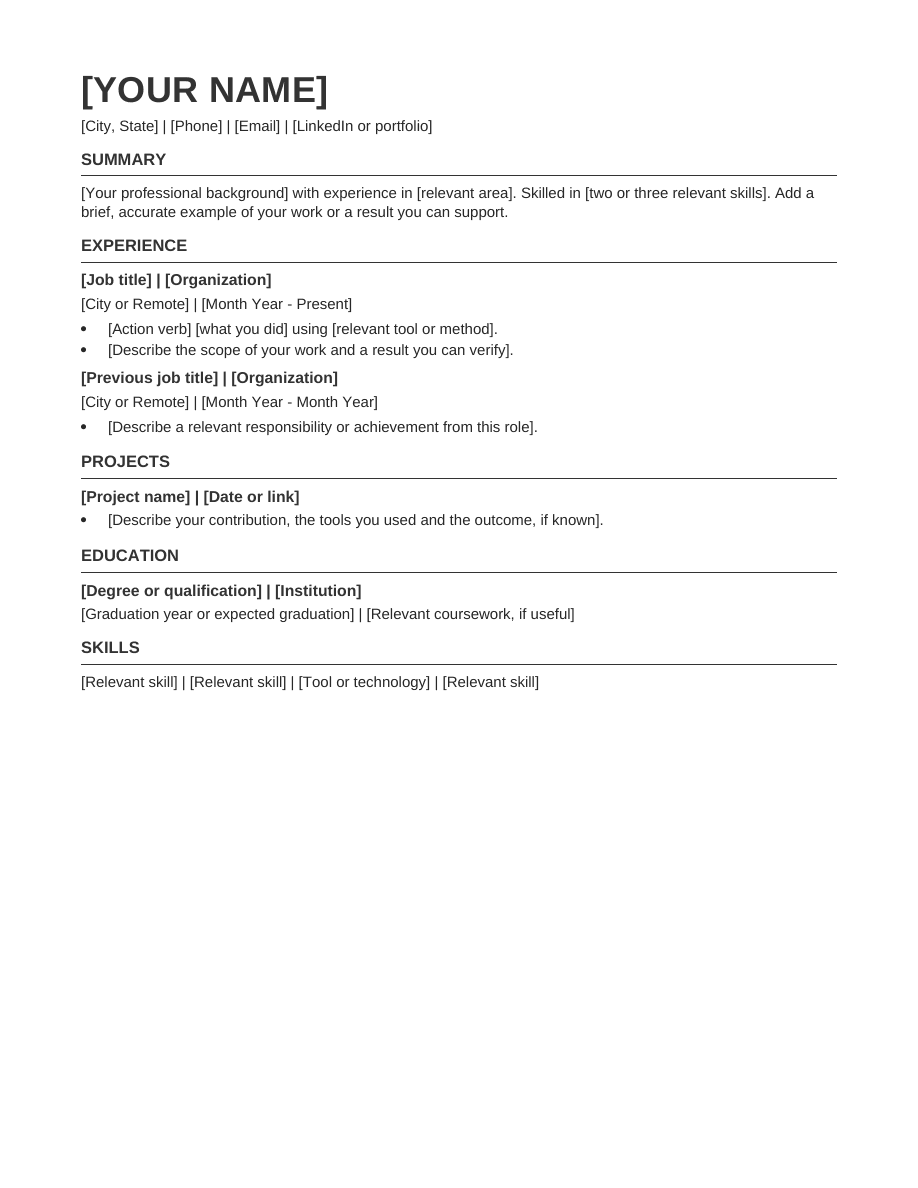
Experienced · Free DOCX
Tighter paragraph spacing and modest headings help fit a focused work history on one page without relying on columns or text boxes.
Preview and download
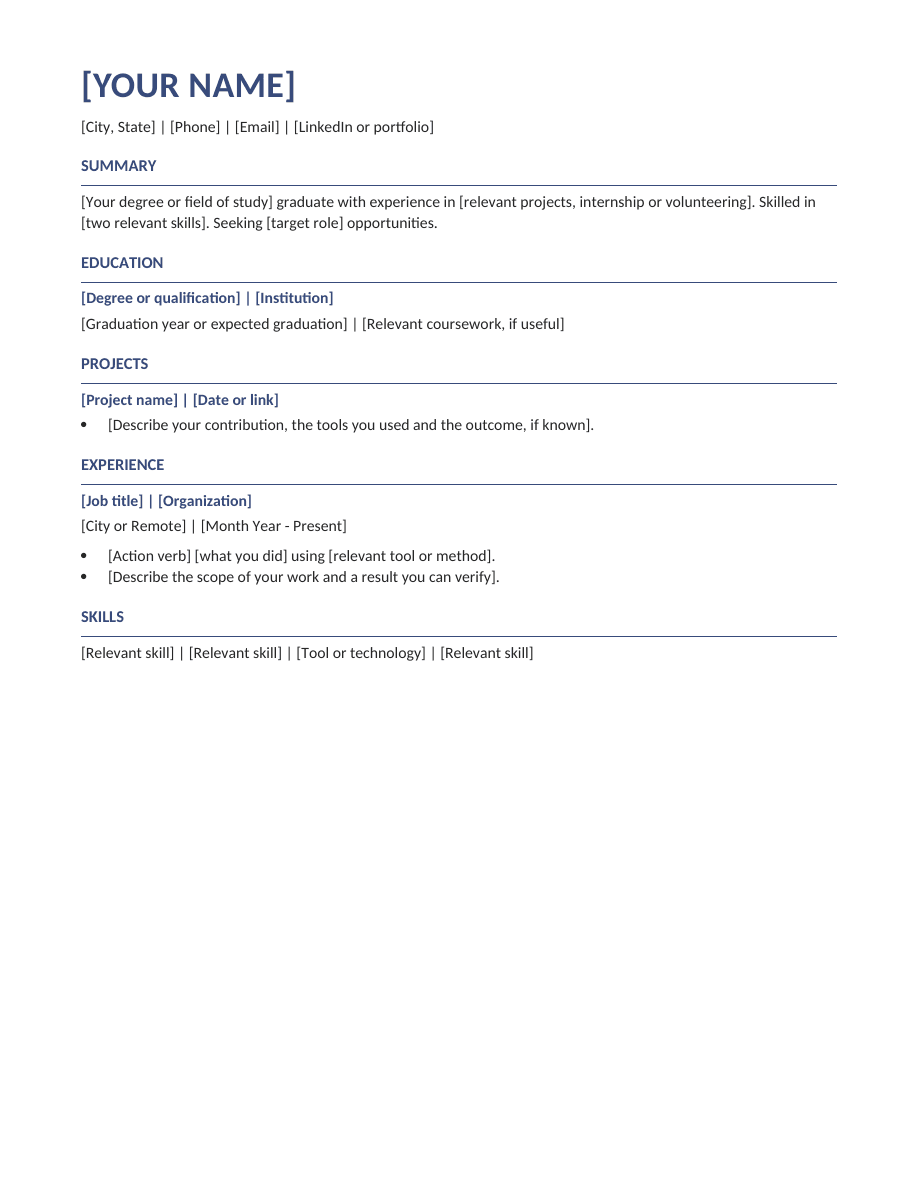
Early career · Free DOCX
An education-first resume with space for projects, internships and volunteering. Useful when your strongest evidence comes from study or practical projects.
Preview and download
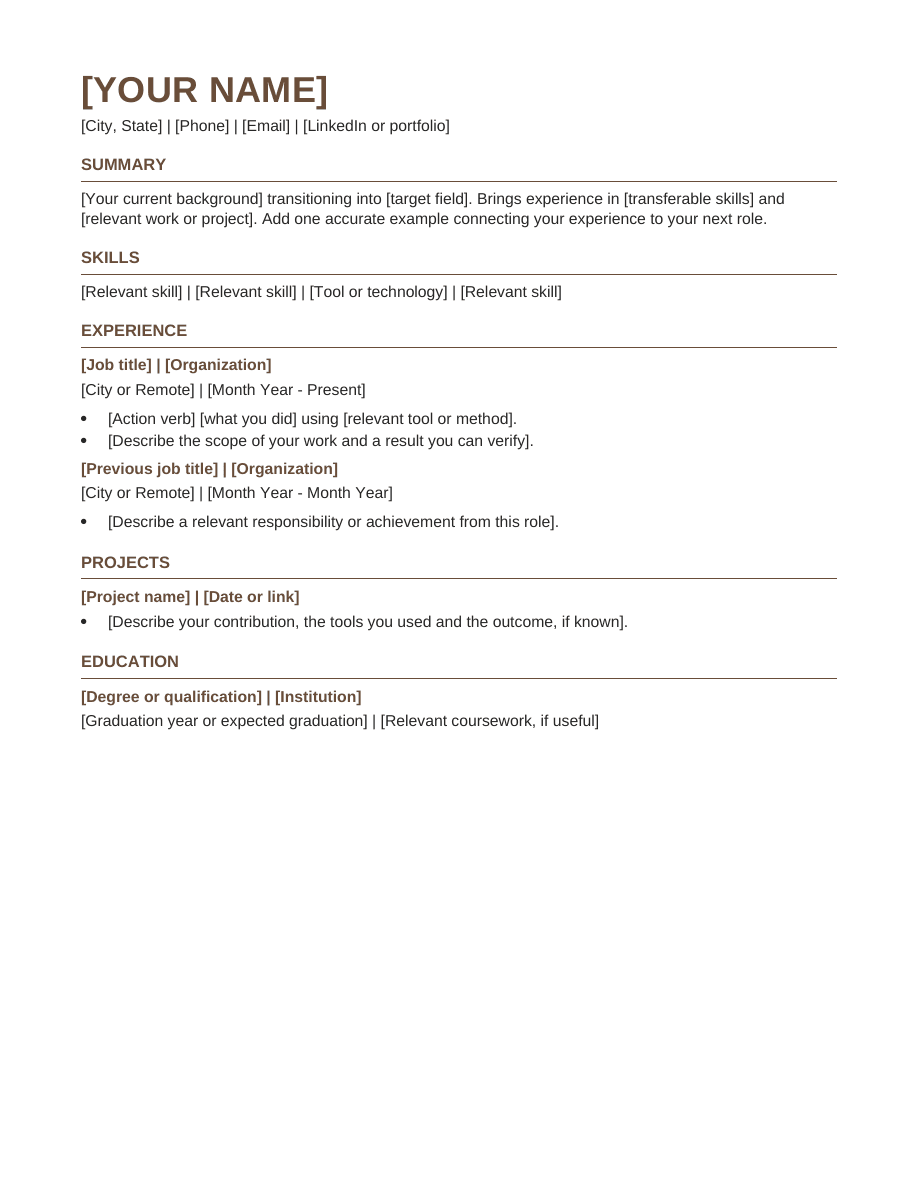
Career change · Free DOCX
A focused summary and skills section introduce your transferable experience, while a dated work history preserves the context of your career.
Preview and download
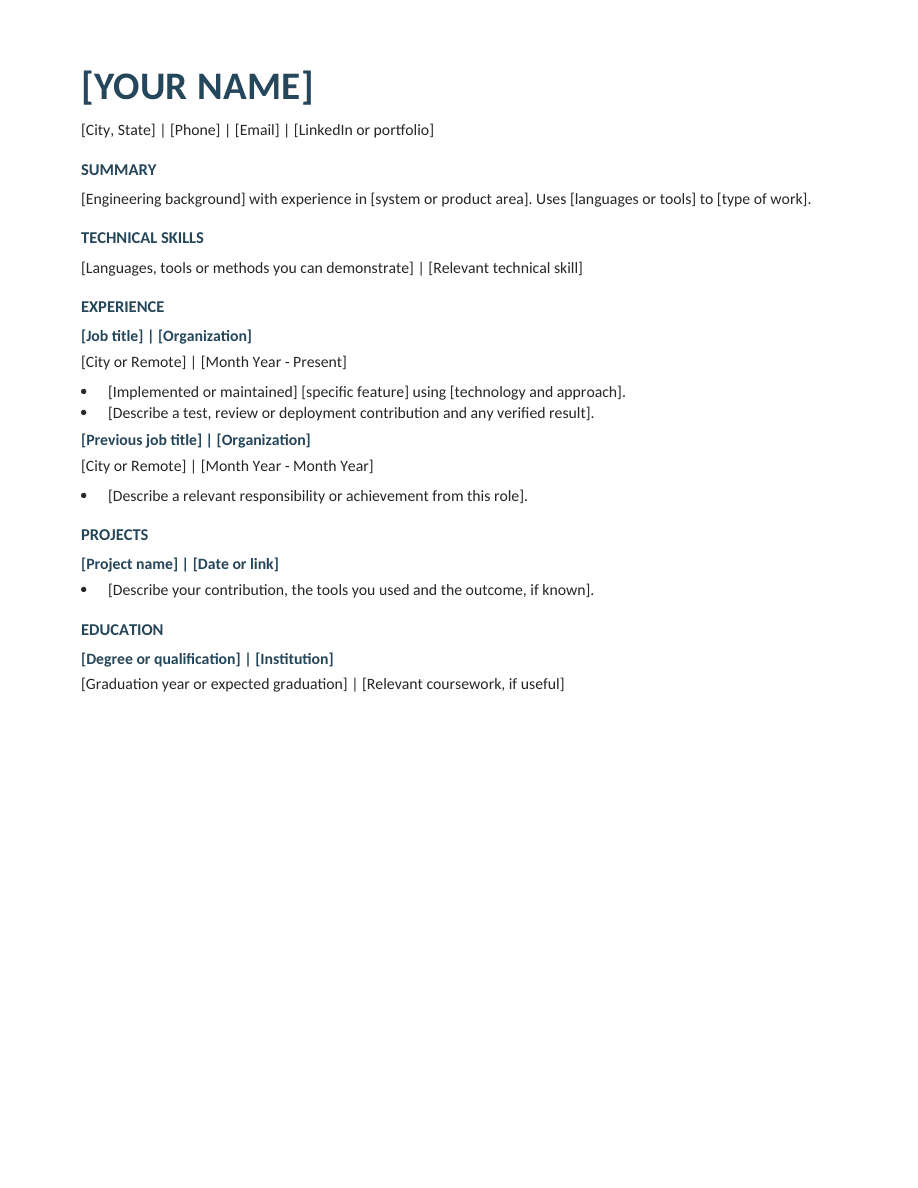
Technology · Free DOCX
A skills-first technical layout with space for engineering experience and a selected project. Describe the systems you worked on and the part you delivered.
Preview and download
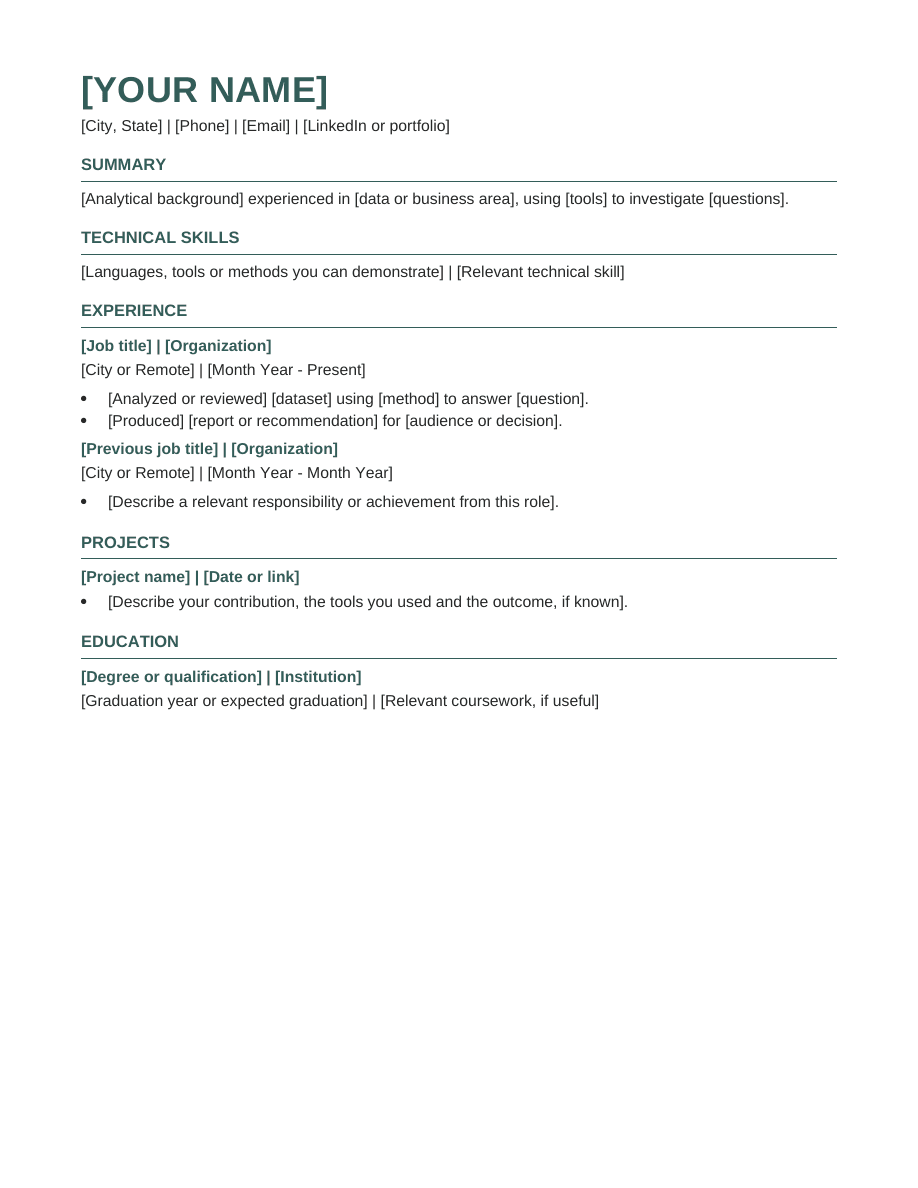
Technology · Free DOCX
A technical resume with room for analysis methods, data tools and a selected project. Put the business question beside the evidence you examined.
Preview and download
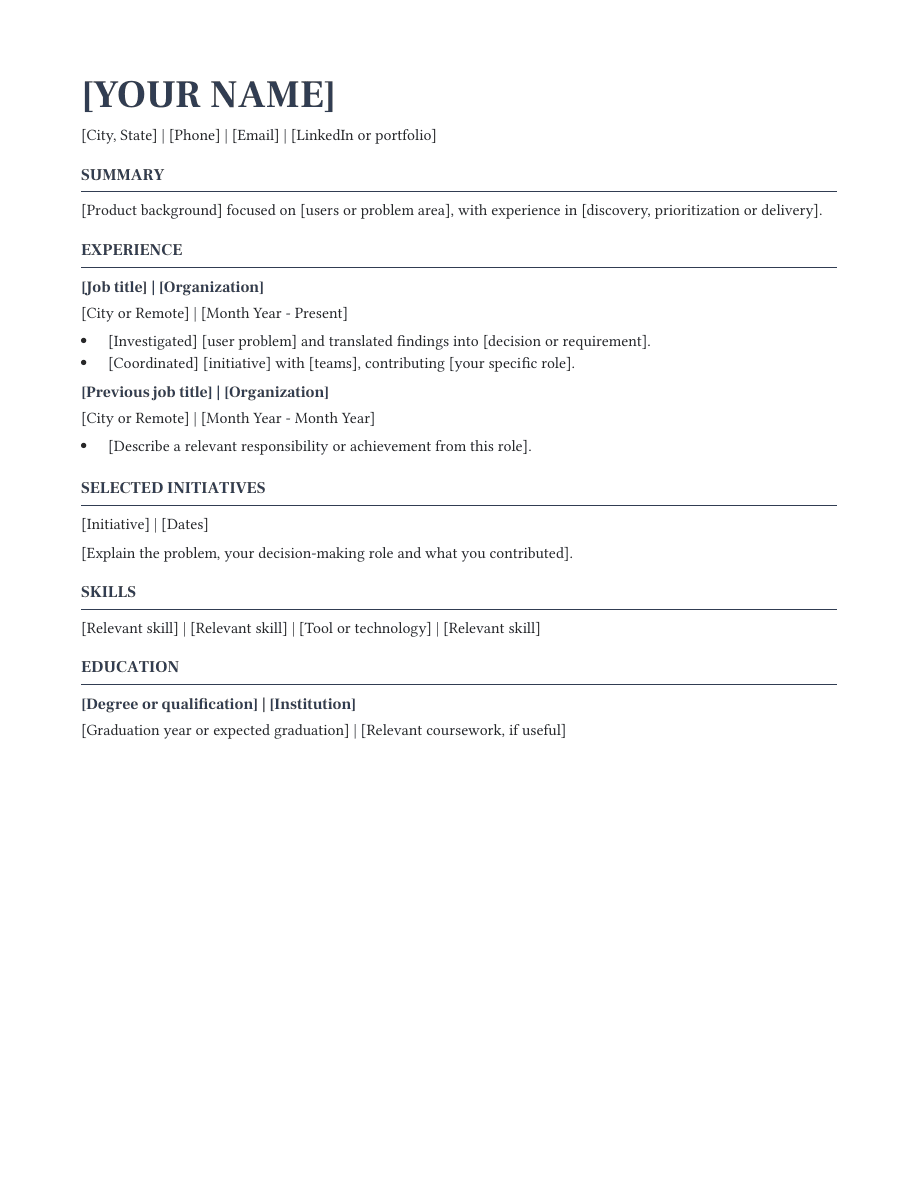
Business · Free DOCX
An experience-led layout with a separate space for selected initiatives. Explain discovery, prioritization and delivery contributions without losing your employment history.
Preview and download
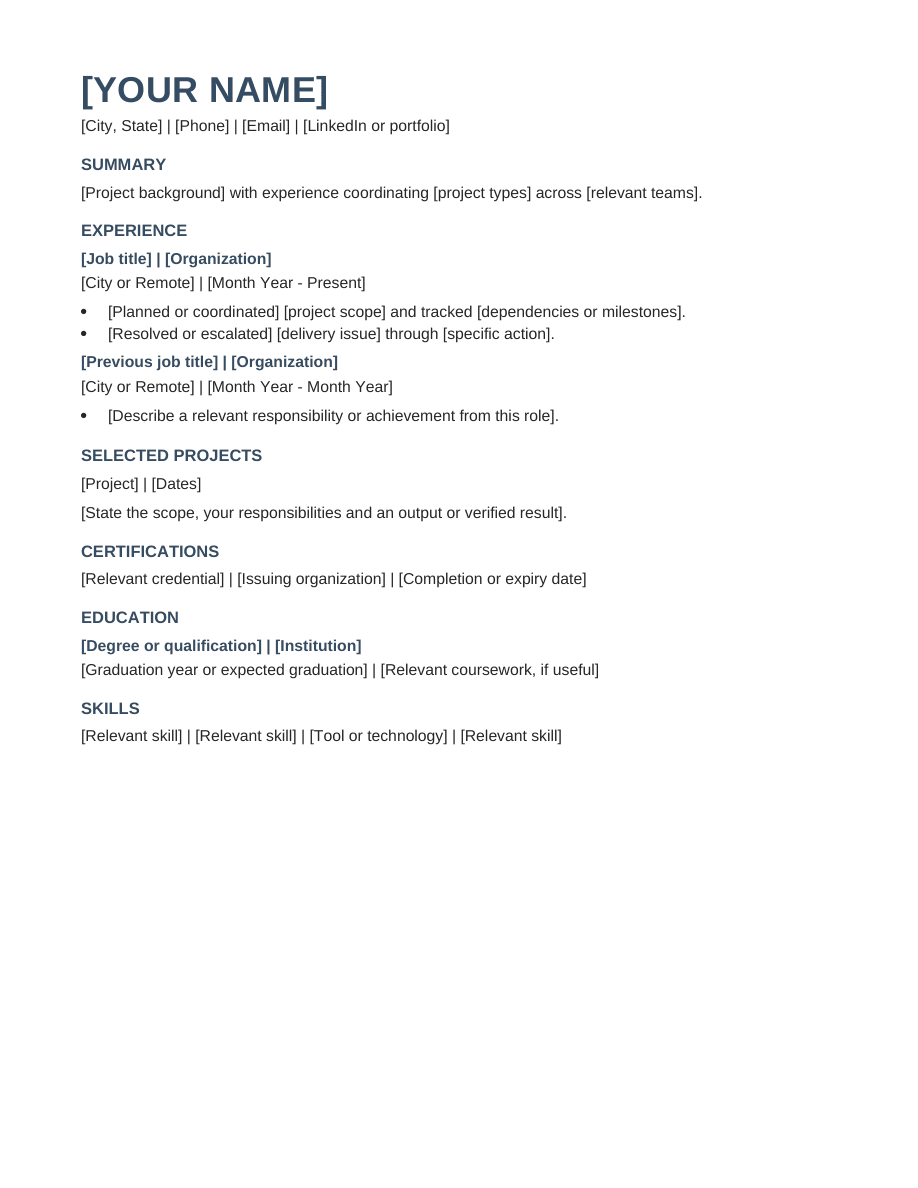
Business · Free DOCX
A project-focused format that keeps employment dates visible and adds room for project scope and relevant certifications.
Preview and download
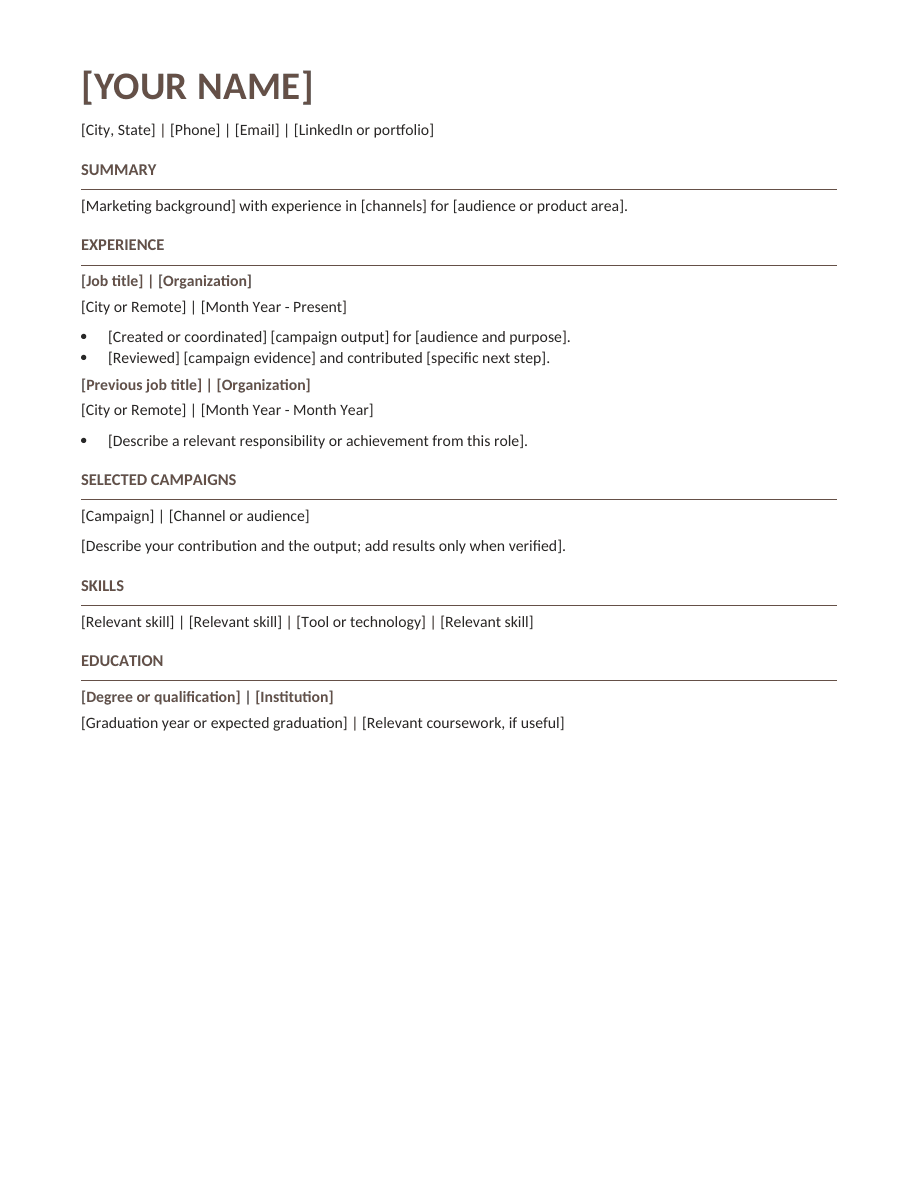
Business · Free DOCX
A campaign-focused resume with space for channels, content and measurable outcomes where available. Keep creative contributions connected to their purpose.
Preview and download
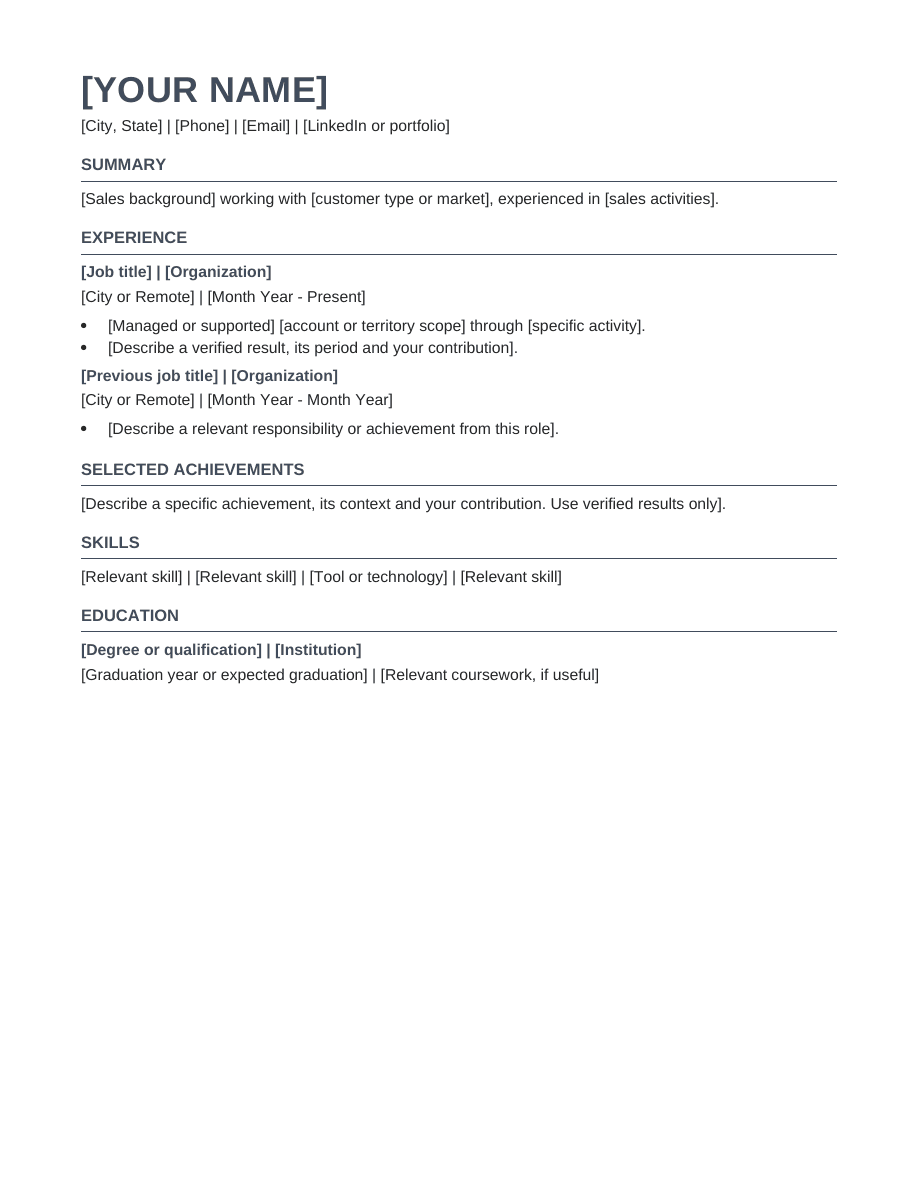
Business · Free DOCX
An experience-led sales layout with space for territory, customer type and supported achievements. Use verified numbers when they clarify your contribution.
Preview and download
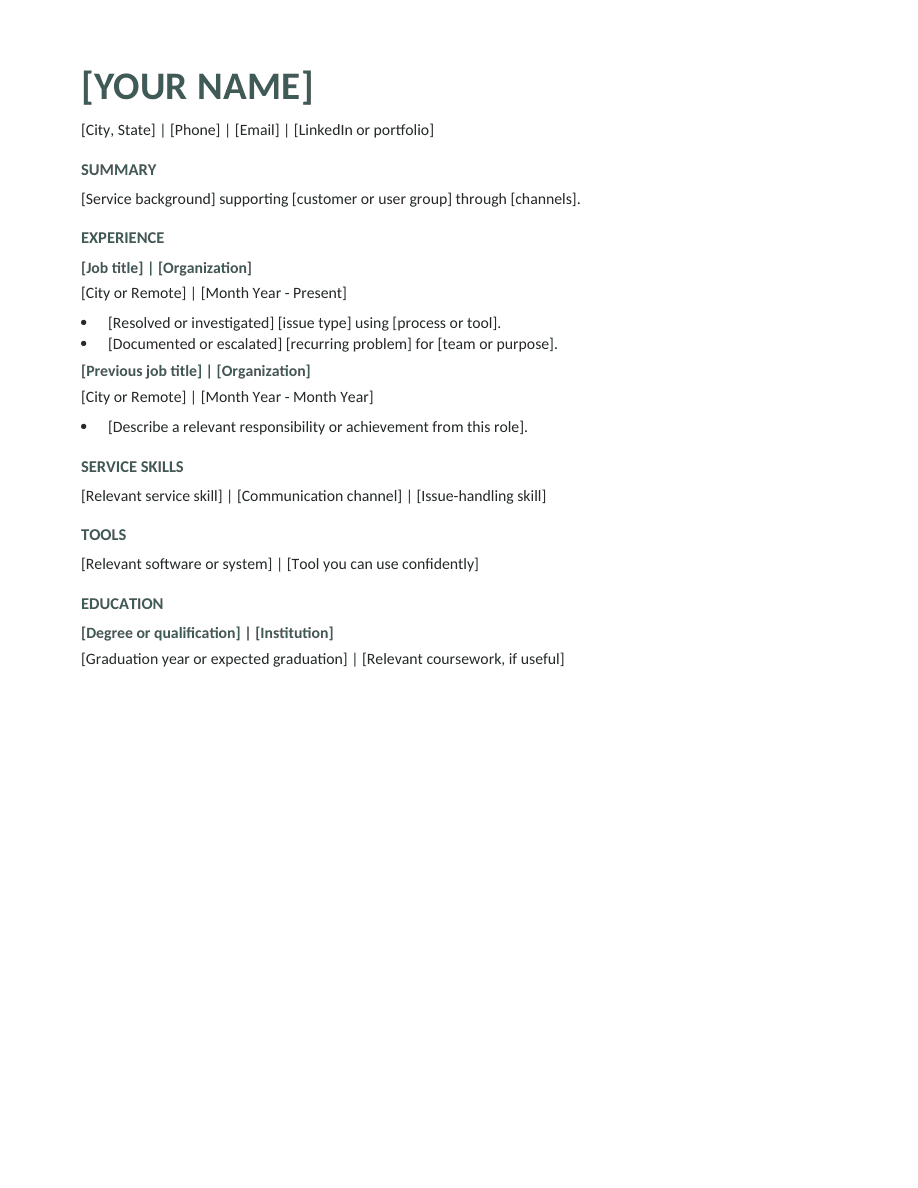
Business · Free DOCX
A service-focused resume that separates customer skills from support tools. Explain your issue handling, documentation and escalation work.
Preview and download
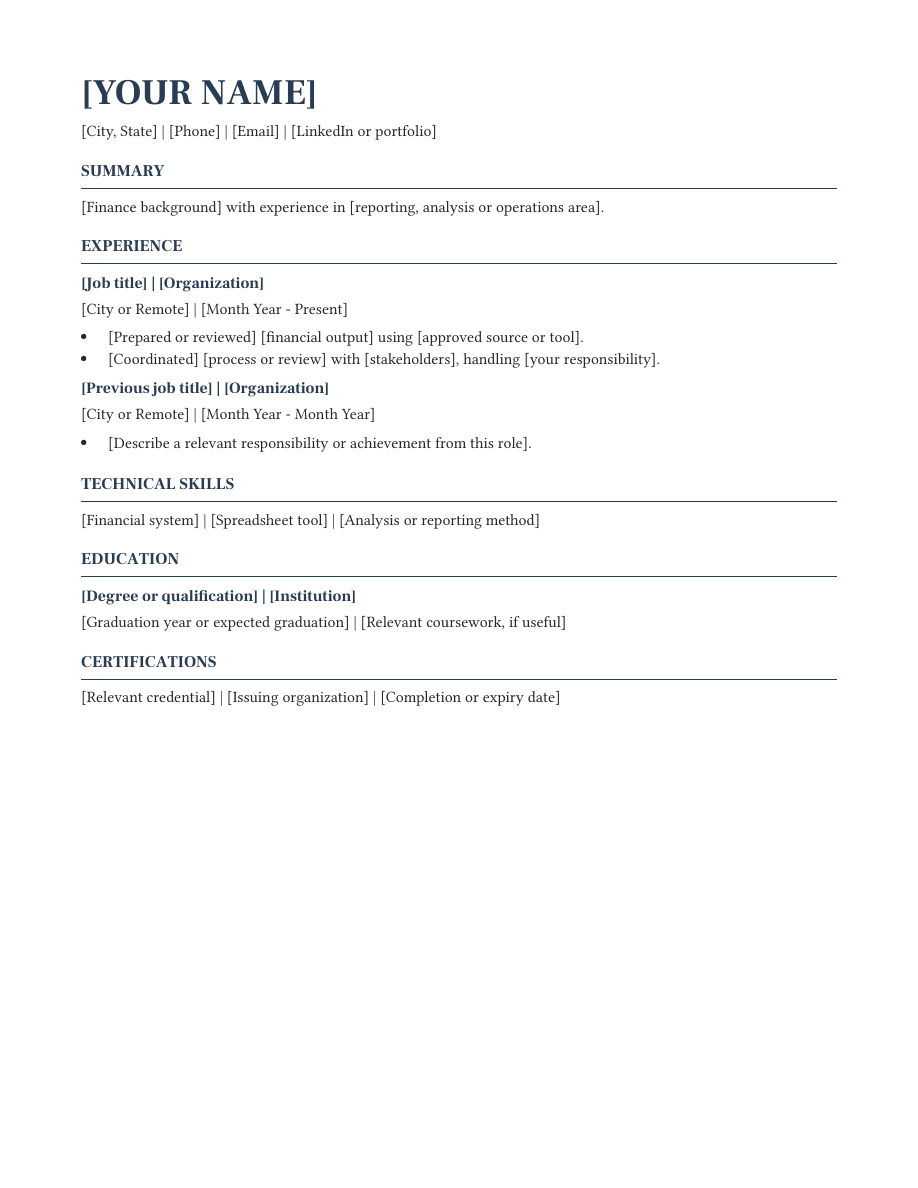
Business · Free DOCX
A formal finance layout with space for reporting, analysis and relevant credentials. Keep the document focused on responsibilities you can explain.
Preview and download
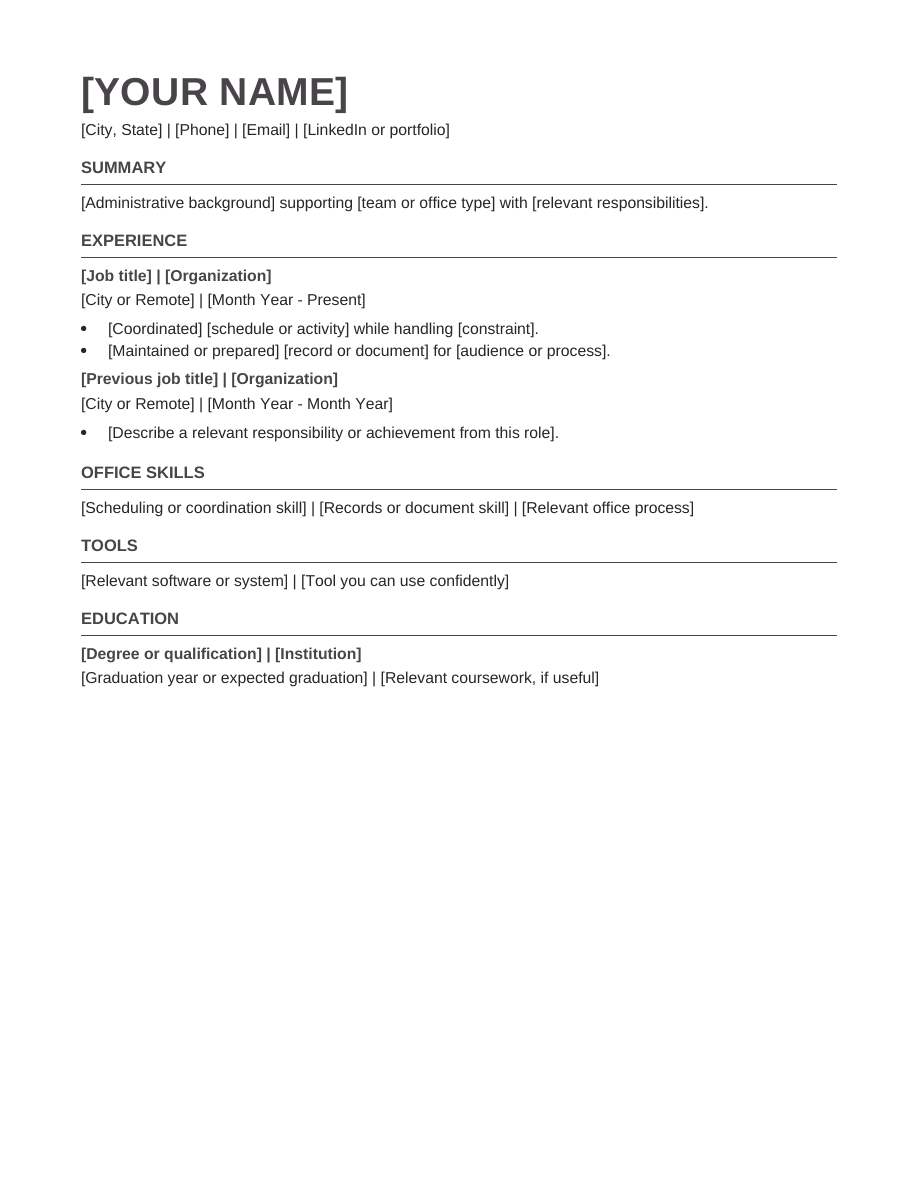
Business · Free DOCX
An administrative layout with dedicated space for office skills and tools. Show the coordination and follow-through behind routine responsibilities.
Preview and download
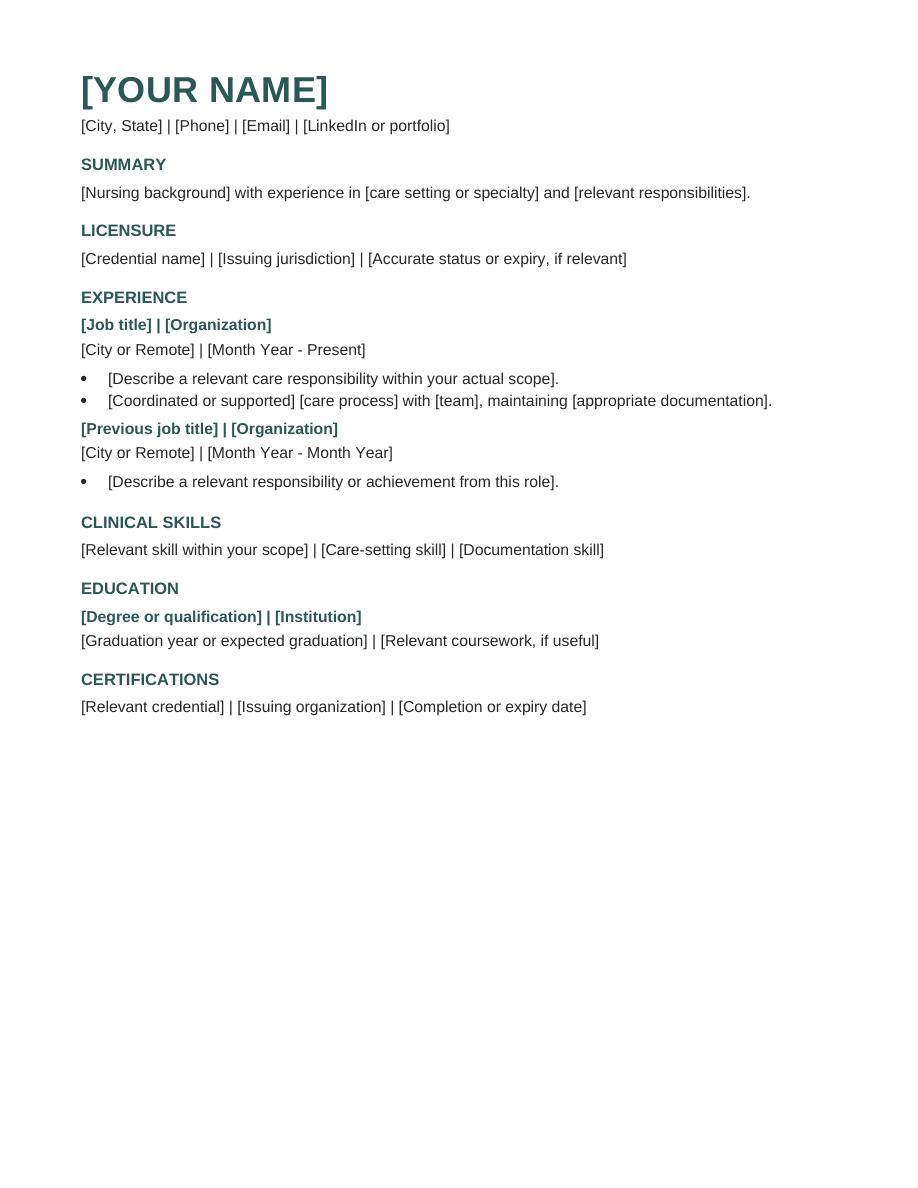
Healthcare · Free DOCX
A credential-first nursing format with separate spaces for licensure, clinical skills and certifications. Use factual descriptions of your scope of practice.
Preview and download
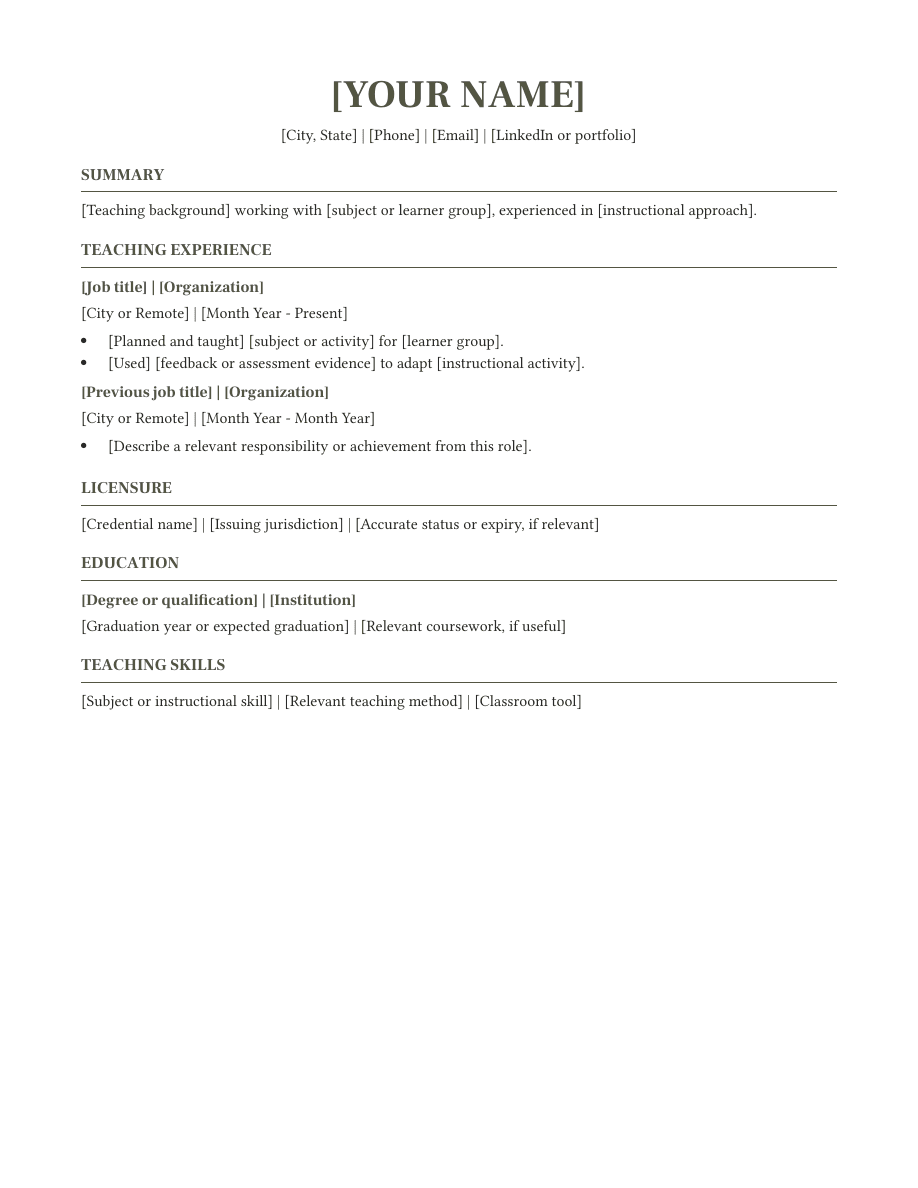
Education · Free DOCX
A teaching-focused format that puts classroom experience beside credentials and instructional skills. Describe your subject, learners and contribution clearly.
Preview and download
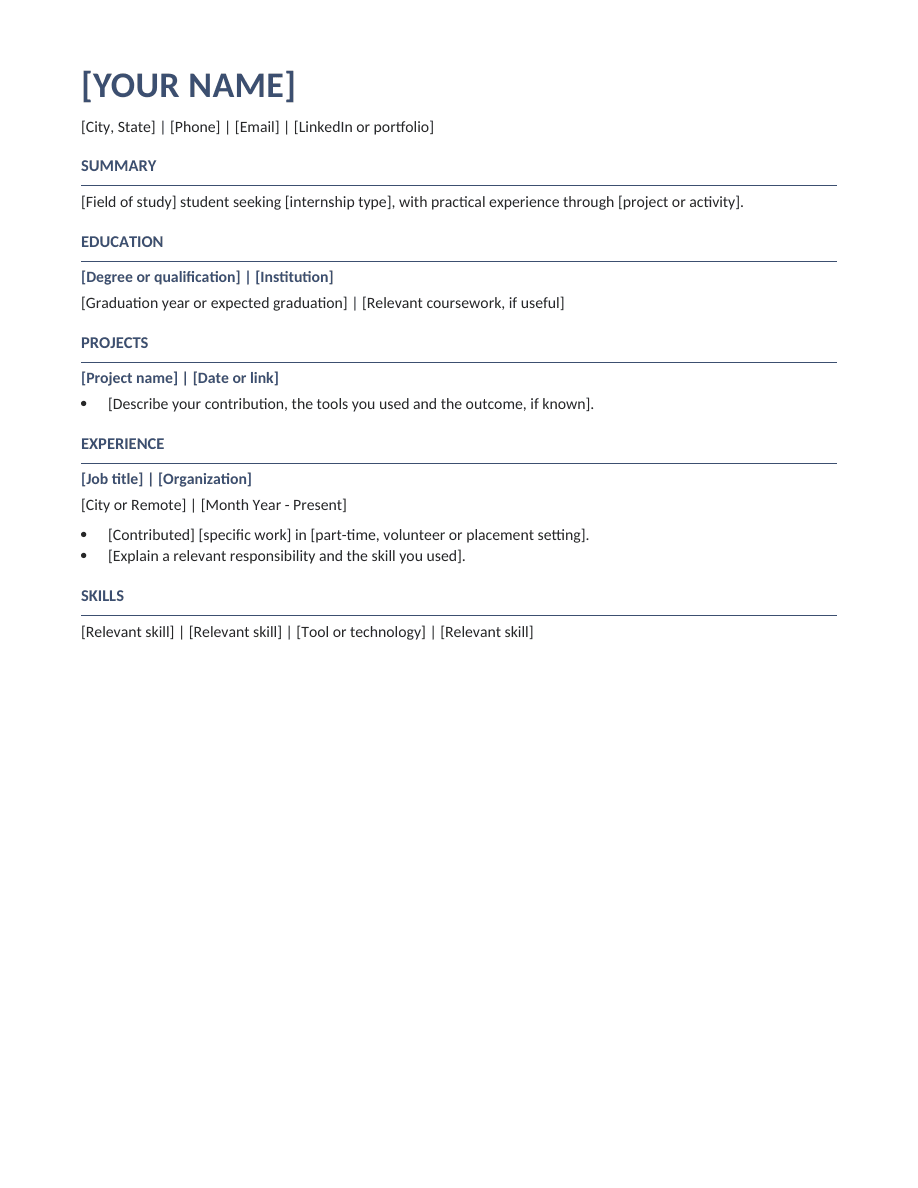
Early career · Free DOCX
An education-first internship format with project prompts and room for part-time or volunteer work. Build evidence without claiming professional experience you do not have.
Preview and download
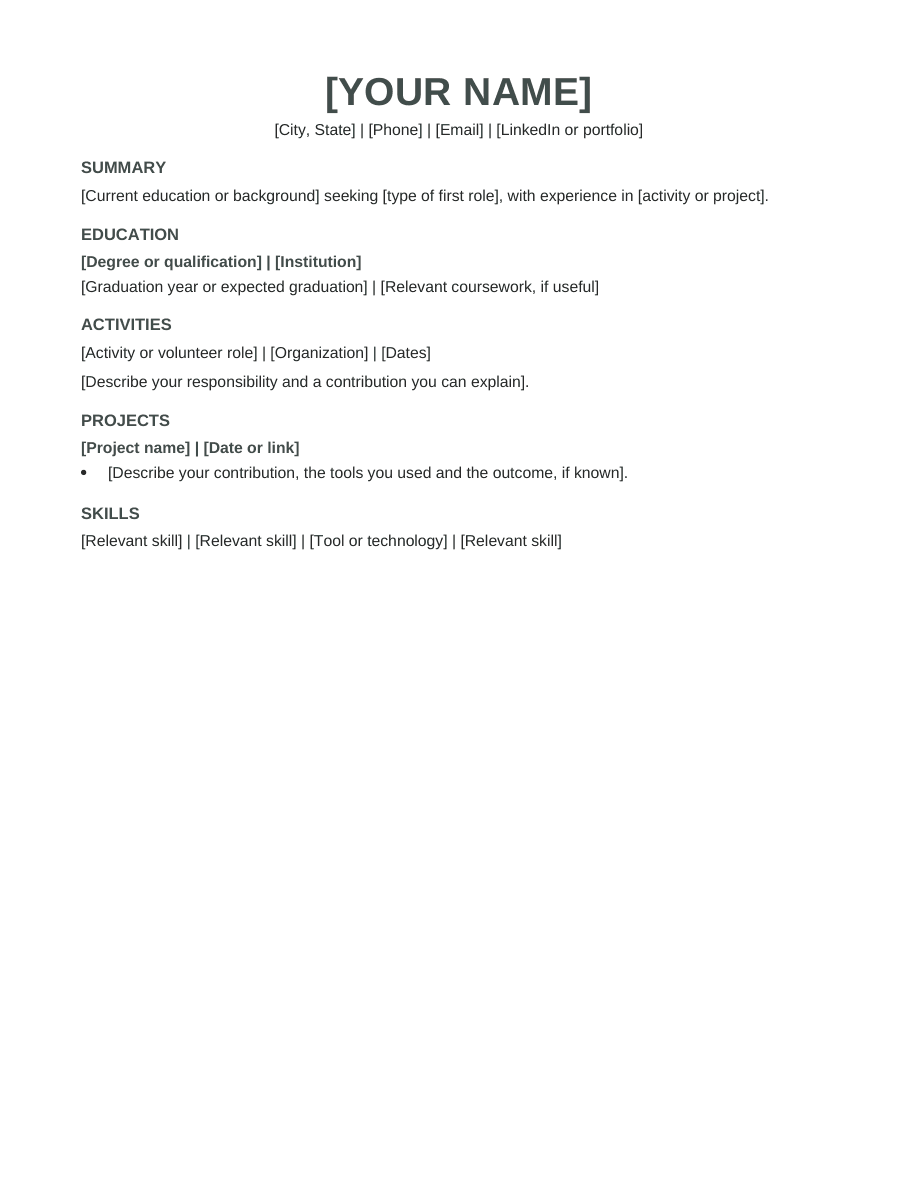
Early career · Free DOCX
A starter format for applicants without formal employment history. Use activities, school projects and volunteering to show practical strengths.
Preview and download
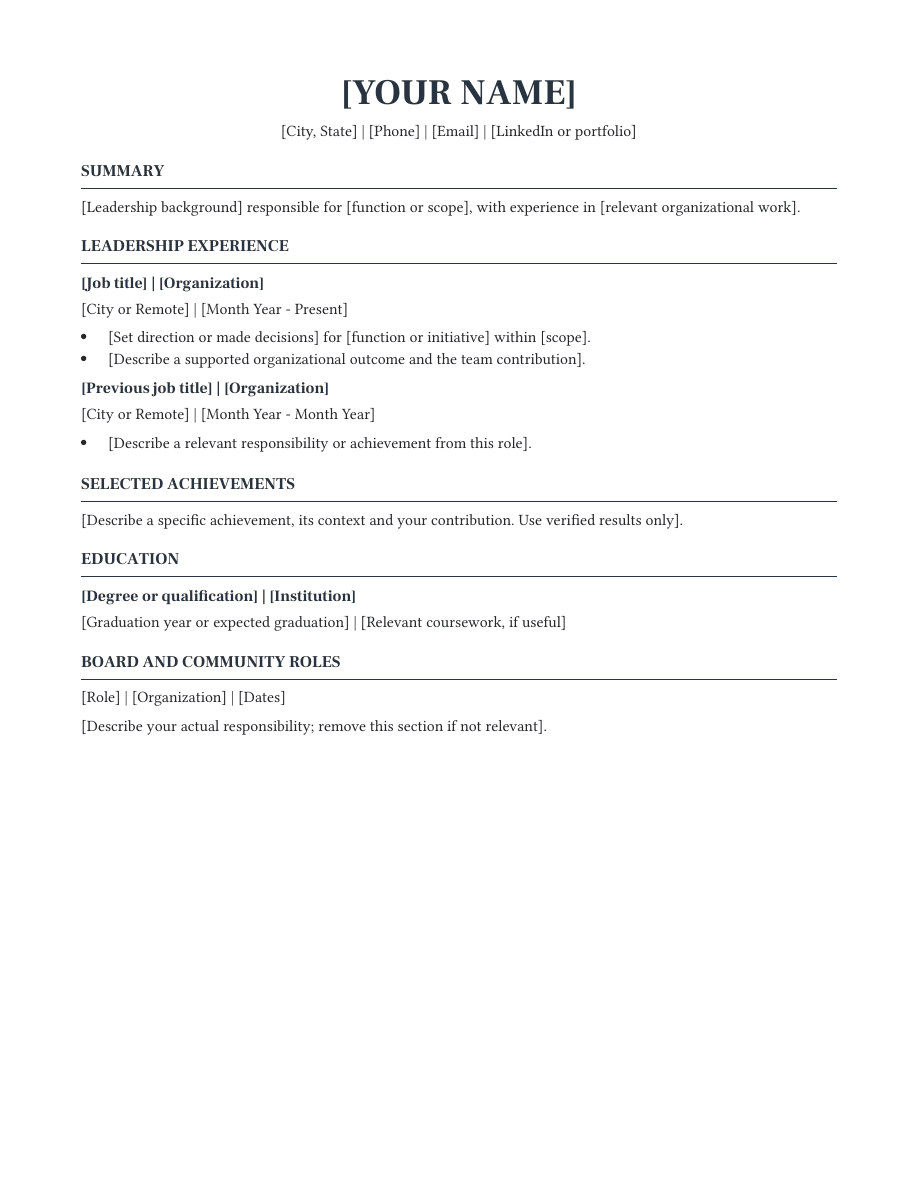
Experienced · Free DOCX
A leadership-focused format that separates role scope from selected achievements and optional board or community work.
Preview and download
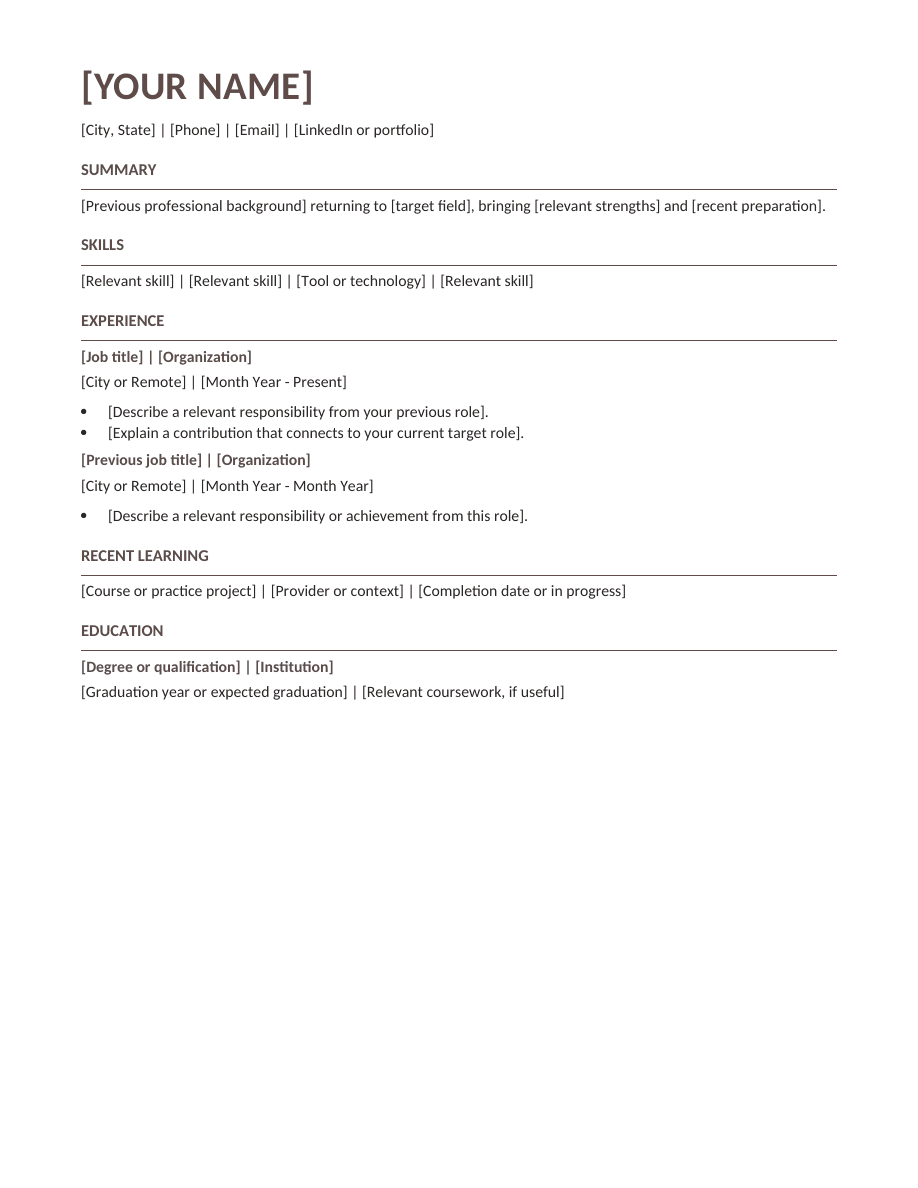
Career change · Free DOCX
A skills-led format with dated work history and a section for recent learning. Explain your next direction without having to disclose private circumstances.
Preview and download
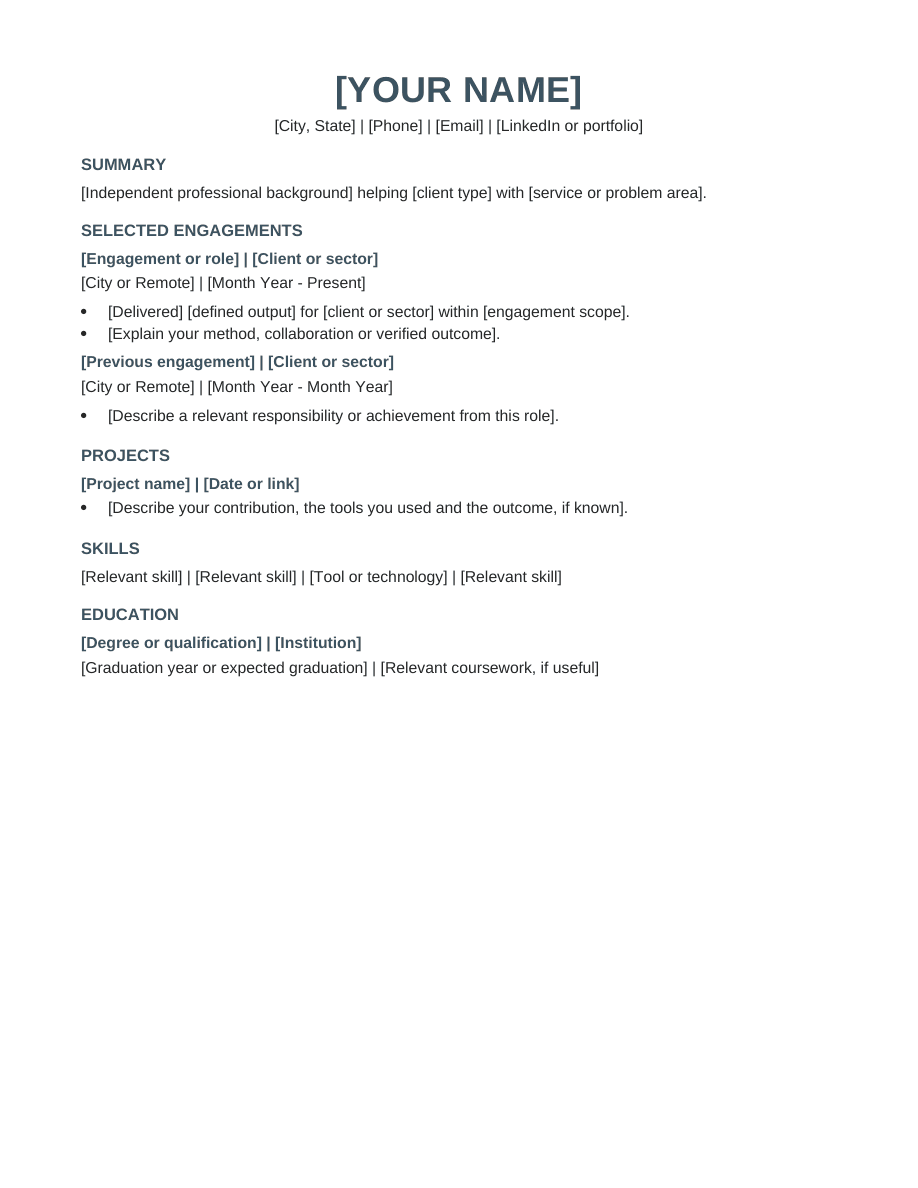
Experienced · Free DOCX
An engagement-led layout for independent work, with project scope and deliverables alongside skills and education.
Preview and download
Open the downloaded DOCX, replace the bracketed prompts with your own experience, and save a copy. Keep section headings and dates consistent.
Upload the DOCX to Google Drive, open it with Google Docs, then choose File → Save as Google Docs. Review page breaks before exporting. These are importable files, not hosted Google Docs copy links.
Google Docs instructions →Start with the section that best explains your fit for the role. Recent graduates may lead with education and projects; experienced applicants usually have more evidence in their work history. A career-change format can introduce transferable skills while keeping previous titles and dates visible. The professional field is a starting point for selection, not a restriction on who can use a layout.
Compare the section order and prompts before choosing a font or accent color. Remove a section that adds no useful evidence rather than filling it with generic claims. You can rename headings, move sections and adjust spacing in your own copy. The aim is a document that makes your actual background easy to understand.
Read the role description and identify the experience you can genuinely support. Place the most relevant examples near the top of each job or project. Use a clear action, the work you did and a result when you have evidence for it. Keep dates and job titles accurate, even when you are changing fields.
Save an editable master, then create a copy for the specific application. Check the exported file for leftover prompts, broken links and unexpected page breaks. These downloads are standalone Word documents; they do not automatically import your information into Resumize. Use the resume builder when you want to work inside the app with its own templates and editing workflow.
Yes. These downloadable documents are free to edit and use for your own applications, with no signup or watermark. The Resumize app has separate free and paid plans.
They use selectable text, standard headings and a single column without text boxes. Those choices help readability, but no template can guarantee parsing in every system or an interview. Follow the employer’s file instructions.
The starter files each occupy one page. The length of your finished resume depends on your content and editor. Remove irrelevant details before shrinking text, and review the final export.