Free editable template
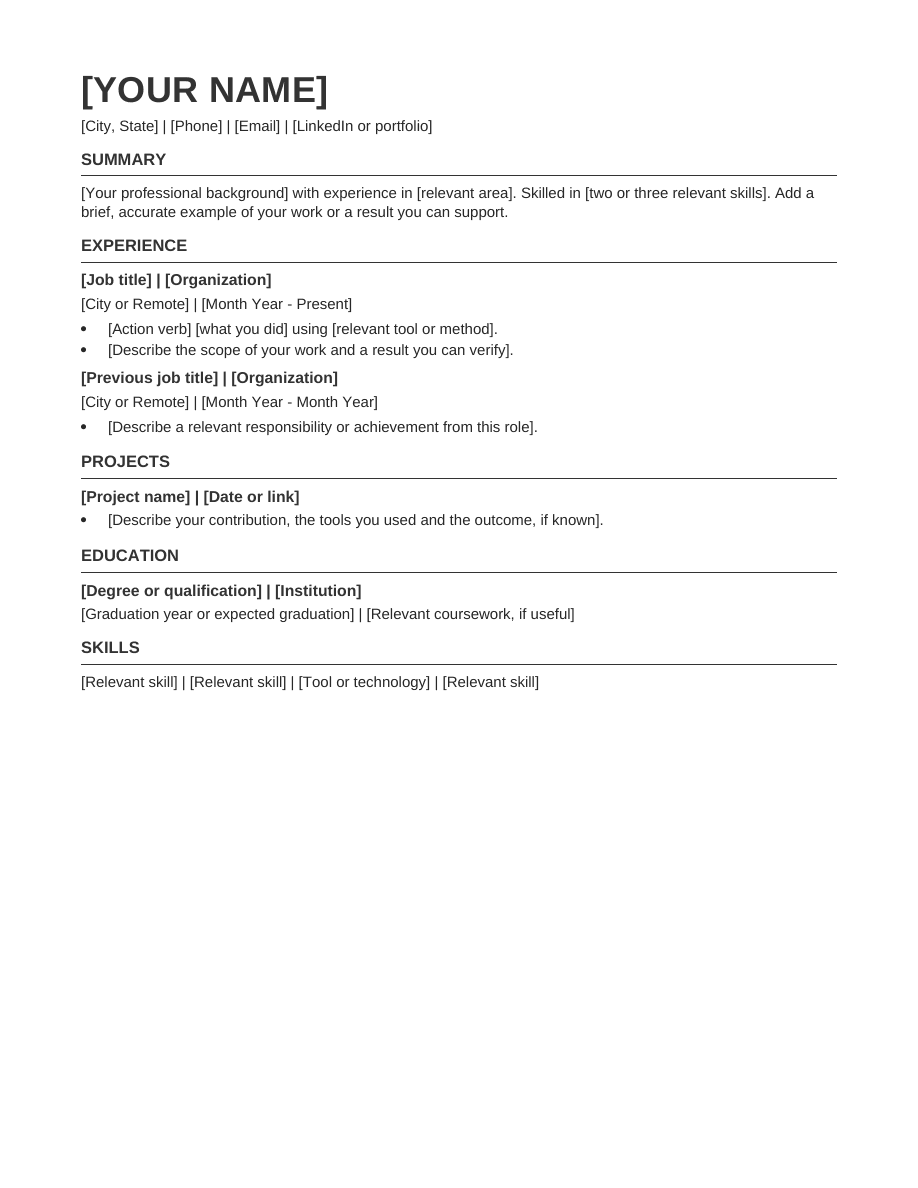
Compact resume template
More relevant detail, less wasted space.
Free · No signup · No watermark
Editable document. Download once, then open in Word or import into Google Docs.
About this template
Tighter paragraph spacing and modest headings help fit a focused work history on one page without relying on columns or text boxes.
Who this format suits
Applicants with several relevant roles who want to keep their initial draft concise.
Make it yours
- Replace bracketed prompts with your own contact details and experience.
- Remove older, less relevant details before reducing the font size. Your edited content may need a second page.
- Delete unused sections and prompts. Check dates, spelling and page breaks.
- Export the file type requested by the employer.
Sections included
Summary · Experience · Projects · Education · Skills
Make this layout work for you
Decide what deserves space before adjusting the layout. Give recent, relevant roles the most detail and summarize older positions that establish history without adding new evidence. Combine repeated responsibilities where the meaning stays clear. If the document becomes difficult to read, use a second page instead of forcing every sentence into the starter layout. A compact format is a way to prioritize information, not a requirement to include everything.
Operations example
Replace a long list of similar duties with a focused bullet such as: “Maintained supplier records, tracked renewal dates and prepared outstanding-item summaries for weekly reviews.” Keep separate bullets when the activities demonstrate different strengths. Remove routine details only when the remaining text still gives an accurate picture of your role.
Before you send your resume
- Check the content. Remove every bracketed prompt and unused section. Read names, dates, contact details and job titles separately from the rest of the text; familiar information can be easy to overlook when proofreading.
- Check the document. Open the exported file and look for headings left at the bottom of a page, clipped lines and unexpected spacing. Test your links and confirm that the text can be selected. Keep an editable copy for your next application.
- Check the application instructions. Use the file type and naming convention the employer requests. Review any fields filled from your uploaded resume before submitting; a readable template does not guarantee that every application system will interpret every field correctly.
Questions, answered
Can I change the headings and fonts?
Yes. The file uses normal editable paragraphs and styles. Keep headings descriptive, text readable, and the final document consistent.
Is this the same as a template inside the Resumize app?
This is a standalone document template. You can use it independently in Word or Google Docs. The app has its own templates and AI tailoring workflow.
Your experience. A complete resume.
Build in Resumize with ATS-friendly templates, guided editing and a live preview. Start free, then upgrade when you need more.
Free account required. Free-plan PDF exports include a watermark.