Guide to Remote Video Interview Tech and Background Setup
ResumizeAI
Master your remote interview environment with our comprehensive guide to camera angles, lighting, audio quality, and background design.
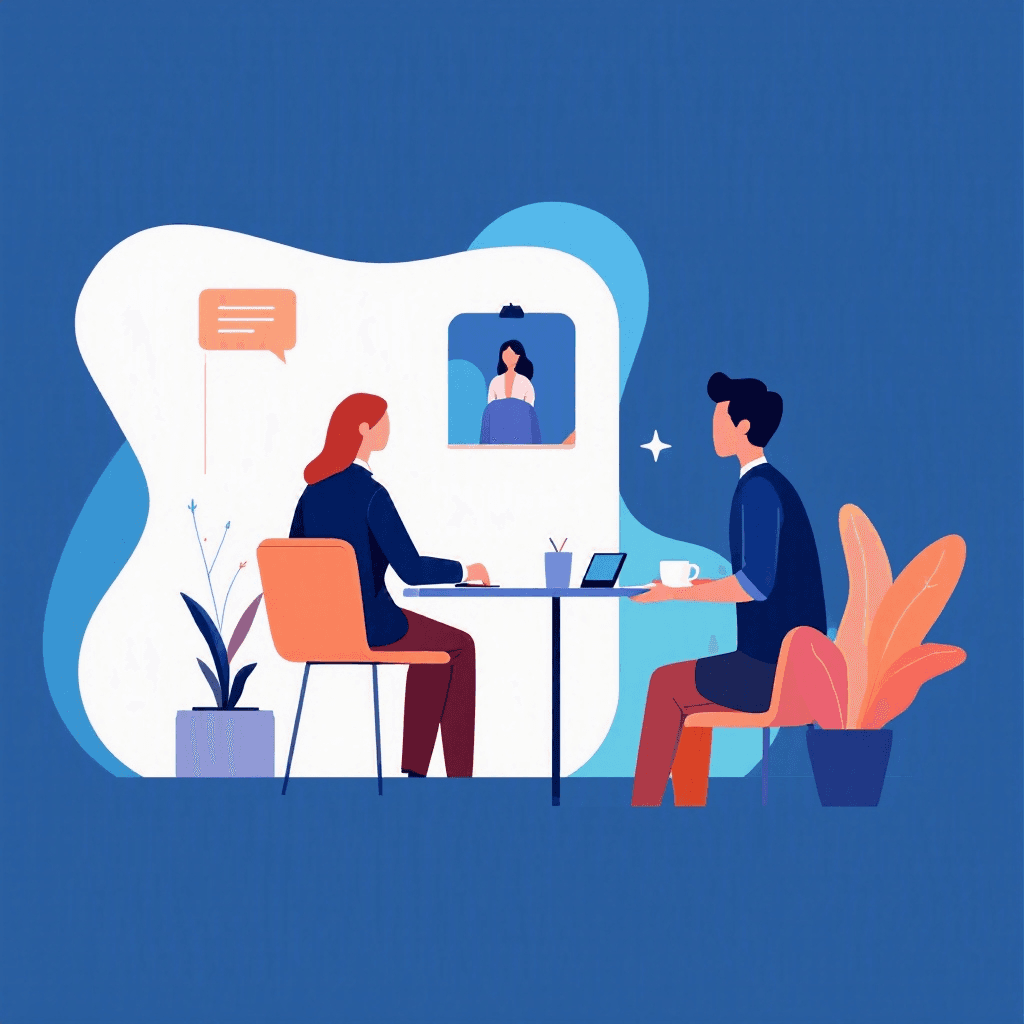
Remote video interviews have transitioned from a temporary alternative to a permanent standard in the modern hiring landscape. While candidates spend hours refining their answers and researching company history, many overlook the technical environment that frames their presentation. A glitchy connection, a dark room, or a distracting background can subtly undermine your authority before you even speak. This guide provides actionable, step-by-step instructions to optimize your hardware, software, and physical surroundings, ensuring your professionalism shines through the screen.
Three things every remote interview tests before the questions start.
Tick anything you have not sorted out yet.
Ticked nothing? You are prepared. The checklist is still worth having open during the call.
Free to browse · No account needed
Camera Placement and Eye Level Dynamics
The angle of your camera dictates how the interviewer perceives your presence and confidence. Most candidates place their laptop flat on a desk, forcing them to look down into the lens. This creates an unflattering upward angle and mimics the feeling of looking down on the interviewer. To establish a natural, engaging connection, your camera must be positioned exactly at eye level.
Elevate your laptop or external webcam using a dedicated stand, a stack of sturdy books, or a box until the lens aligns with your eyes when you sit up straight. Looking directly into the camera lens is the digital equivalent of eye contact. Avoid the common mistake of staring at the interviewer's face on your screen, which makes you look downward to them.
To build a habit of proper eye contact, place a small, brightly colored sticker or a sticky note with an arrow pointing directly next to your webcam lens. This serves as a constant visual cue to look at the camera when you are speaking. When listening, you can look back at the screen to read their facial expressions, but always return your gaze to the lens when delivering your answers.
Lighting Techniques for a Professional Glow
Proper lighting is the difference between looking professional and appearing like a shadow in a dark room. The primary rule of video lighting is to avoid strong backlighting. Sitting with a bright window or a powerful lamp directly behind you forces your camera to adjust to the bright background, turning your face into a dark silhouette. Instead, position your primary light source directly in front of you, slightly above your eye level, and behind your camera.
If you have access to a window with natural light, face it directly during the interview. If you are relying on artificial light, a simple ring light or a desk lamp with a diffused bulb works exceptionally well. Avoid harsh, direct light bulbs that cast deep shadows under your eyes and nose. You can soften harsh light by bouncing it off a nearby white wall or using a translucent shade.
Aim for balanced, even lighting across both sides of your face to ensure your expressions are fully visible and engaging.
Interviews start with an application
New remote roles land on the board daily. Browsing takes no account, and the weekly email keeps the next one coming.
New remote roles, in your inbox every Monday
- Roles from named companies, with their source
- New postings only, never a repeat
- One click to stop
Alerts ship shortly. Sign up now and you are on the first send.
Audio Quality and Microphone Selection
High-quality audio is actually more critical than high-definition video. Interviewers will tolerate a slightly grainy picture, but they will quickly lose patience with muffled, echoing, or static-filled audio. Built-in laptop microphones are notoriously poor because they are positioned far from your mouth and easily pick up internal fan noise, keyboard clicks, and room echo. To ensure your voice is crisp and clear, invest in a dedicated external microphone.
A simple USB desktop microphone or a wired lapel mic offers superior sound quality compared to built-in options. If you prefer a headset, choose one with a discreet microphone arm. Wired connections are always preferable to wireless Bluetooth earbuds, which can suffer from sudden battery depletion, pairing lag, or audio compression. Additionally, pay attention to your room acoustics. Hard surfaces like bare walls and hardwood floors reflect sound, creating an echo.
You can dampen this echo by placing an area rug on the floor, hanging curtains, or keeping soft items like cushions nearby to absorb stray sound waves.
Internet Stability and Software Optimization
A dropped connection or a frozen screen can ruin the flow of an interview and cause unnecessary stress. While Wi-Fi is convenient, it is inherently unstable and prone to interference from other household devices. For the most reliable connection, connect your computer directly to your router using an Ethernet cable.
If a wired connection is impossible, position yourself as close to the router as possible and ask others in your household to refrain from high-bandwidth activities like streaming or gaming during your interview. Before the interview, run an online speed test to verify your connection. You should aim for a minimum upload and download speed of 10 Mbps for stable high-definition video. Additionally, optimize your computer's performance by closing all unnecessary applications, browser tabs, and background processes.
Cloud syncing services, system updates, and heavy software can consume valuable CPU power and bandwidth, leading to lag. Disable all desktop notifications and system sounds to prevent intrusive pings from interrupting your conversation.
Designing a Distraction-Free Background
Your background tells a story about your organization and attention to detail. A cluttered room, an unmade bed, or a busy hallway distracts the interviewer and pulls focus away from your qualifications. The ideal background is clean, simple, and professional. A neutral-colored wall with a single piece of framed art, a neatly organized bookshelf, or a healthy houseplant provides an excellent backdrop.
Avoid highly reflective surfaces like mirrors or glass frames that can catch glare or show reflections of your room. While virtual backgrounds are popular, they often look unprofessional because the software struggles to cleanly render the boundary around your hair and shoulders, leading to distracting visual glitches. If you must use a virtual background due to space constraints, select a simple, high-quality image of a professional office setting and use a physical green screen to ensure clean edges.
Otherwise, a tidy, real-world environment is always the superior choice.
The Tech Rehearsal and Contingency Planning
Never assume your technology will work perfectly on the day of the interview without testing it first. Conduct a full technical rehearsal at least twenty-four hours before your scheduled meeting. Use the exact platform specified by the employer, whether it is Zoom, Microsoft Teams, Google Meet, or Webex. Log in, check your camera angle, test your microphone, and verify your lighting at the same time of day as your scheduled interview to account for changing natural light.
While Resumize.ai helps you optimize your resume and prepare your talking points, executing this technical setup ensures those points are delivered without interruption. Despite your best preparations, technical glitches can still happen. Prepare a solid contingency plan. Keep your mobile phone fully charged and configured as a personal hotspot so you can quickly switch connections if your home internet fails. Have the interviewer's phone number or email address written down on a piece of paper nearby.
If your connection drops and cannot be restored within two minutes, immediately call or email the interviewer to explain the situation and offer to continue the conversation over the phone.
Key Takeaways
- 1Position your webcam exactly at eye level to maintain natural eye contact and avoid looking down at the interviewer.
- 2Use diffused front lighting and avoid strong backlighting to prevent your face from falling into shadow.
- 3Invest in a dedicated external microphone or wired headset to ensure crisp, echo-free audio quality.
- 4Connect via an Ethernet cable and close all background applications to maximize internet stability and computer performance.
- 5Set up a clean, physical background free of clutter instead of relying on glitchy virtual backgrounds.
- 6Conduct a full technical rehearsal twenty-four hours prior and have a clear backup plan in case of connection failure.
Conclusion
Mastering the technical elements of a remote video interview is just as important as preparing your answers. By taking the time to optimize your camera angle, lighting, audio, internet connection, and physical background, you remove potential distractions and project a high level of professionalism. These simple adjustments allow the interviewer to focus entirely on your skills, experience, and cultural fit, giving you a competitive edge in the modern job market.
Frequently Asked Questions
Related Articles
How to Answer "Why Do You Want to Work Remotely?" in an Interview
Learn how to answer the remote work interview question with professional, high-impact responses that prove your productivity and self-motivation.
How to Answer 'Why Do You Want to Work Remotely?' in an Interview
Learn how to craft a professional, high-impact response to the remote work interview question, focusing on productivity, autonomy, and business value.
The Ultimate Guide to Video Interview Mistakes (and How to Fix Them)
Nervous about video interviews? You're not alone. Remote interviews are now the norm, and small mistakes can cost big opportunities. This guide pinpoints the top video interview mistakes—like poor lighting, bad audio, weak answers, and tech failures—and gives proven, step-by-step fixes you can use today. You'll see before/after examples, quick-prep checklists, and real candidate case studies to help you transform your performance and increase interview success. Ready to turn your next video interview into an offer? Read on.
Ready to Build Your Perfect Resume?
Put these insights into action with our AI-powered resume builder
Build my resume freeFree to start · No card · 5 credits the moment you sign up