The Ultimate Background Blur Strategies for Video Interviews
ResumizeAI
Nervous about your surroundings showing up in a high-stakes video interview? You’re not alone. Background clutter, inconsistent lighting, or distracting movement can undermine your message before you say a word. This guide delivers proven background blur strategies so you can look polished, focused, and interview-ready—without expensive gear. Learn when to blur, how to set up your space, step-by-step software settings, mobile and laptop techniques, and real-world examples that recruiters notice. Ready to control what hiring managers see?
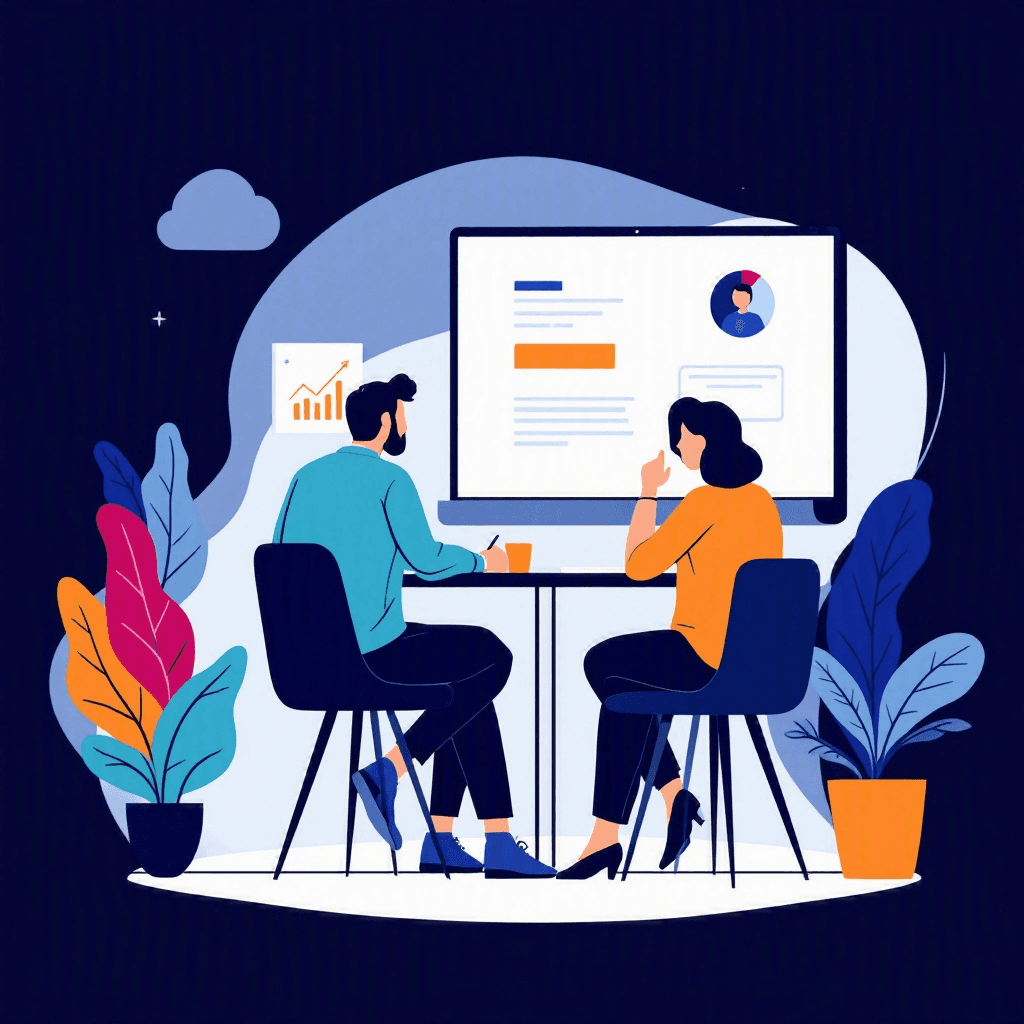
You join a video interview, and within seconds the hiring manager’s eyes drift to a messy bookshelf, a noisy roommate in the background, or a bright window that silhouettes you. Studies show first impressions form in under 7 seconds—so your background can make or break perceived professionalism before you introduce yourself. Background blur is a fast, effective way to reduce distractions and keep the focus where it belongs: on you.
In this article you’ll learn proven, expert-backed background blur strategies for video interviews: when to blur vs. when not to, how to set up your environment, step-by-step instructions for Zoom, Teams, Google Meet and mobile apps, and advanced tips for lighting, framing, and troubleshooting. Whether you’re a job seeker, career changer, or returning professional, these actionable steps will help you master camera presence and boost interview confidence right away.
Three things every remote interview tests before the questions start.
Tick anything you have not sorted out yet.
Ticked nothing? You are prepared. The checklist is still worth having open during the call.
Free to browse · No account needed
Why background blur matters in video interviews
Background blur is more than a cosmetic trick—it's a strategic communication tool. Recruiters make rapid judgments about professionalism, attention to detail, and role fit; a clean, softly blurred background signals focus and reduces subconscious distractions. Consider two candidates with identical answers: the one with a blurred background often appears more polished.
The psychology behind blur
- Visual attention: Human attention naturally seeks motion and contrast. Blurring lowers background contrast so faces command attention.
- Professional signal: A blurred background communicates intentionality—you prepared your space and respect the interviewer’s time.
Example: A product manager I coached moved from a visible laundry pile to a blurred background and saw more positive feedback in panel interviews about communication clarity. What if you could get that same edge with a one-click setting? That’s the power of background blur.
When to blur and when to keep your background visible
Blur isn’t always the right choice. Use it strategically based on context, role, and environment.
When to blur
- Your real background is cluttered or dynamic (pets, roommates, street noise visible)
- You have poor depth separation (sitting close to the wall)
- You’re interviewing for non-creative roles that value neutral professionalism (finance, consulting)
When to keep background visible
- Your background adds value (books for research roles, awards for sales, a clean home office for remote roles)
- You’re interviewing for design, architecture, or creative roles where environment showcases taste
- You want to create rapport through personal touches (a tasteful plant, framed industry certificates)
Actionable decision rule:
- 1Scan your frame for clutter, motion, or items that can distract in under 7 seconds.
- 2If any of those exist, blur. If your background adds positive context and is tidy, keep it visible.
Real-world scenario: A UX designer used a shallow depth-of-field (soft blur) while keeping a framed portfolio visible in one corner to cue conversation—this maintained personality without distraction.
Interviews start with an application
New remote roles land on the board daily. Browsing takes no account, and the weekly email keeps the next one coming.
New remote roles, in your inbox every Monday
- Roles from named companies, with their source
- New postings only, never a repeat
- One click to stop
Alerts ship shortly. Sign up now and you are on the first send.
How to set up your physical space for optimal blur
A good blur starts with the right physical setup. Follow these steps to maximize the effect even before turning on software blur.
Step-by-step setup
- 1Create depth: Position yourself 3–6 feet away from the background. More distance enhances natural blur and makes software blur more consistent.
- 2Frame correctly: Keep your head-and-shoulders centered, with your eyes roughly one-third down from the top of the frame.
- 3Light your face: Use soft, diffused light (a window with sheer curtain or a ring light) in front of you. Bright background light creates silhouette issues.
- 4Declutter: Remove obvious distractions—dishes, clothes, noisy items. Replace with neutral textures (a plant, lamp).
- 5Test movement: Ask a friend to wave off-camera or record a short video—motion behind you will show if blur works.
Low-cost props to improve blur
- Foldable foam board or room divider to increase background distance
- Neutral tapestry or a bookshelf with minimal items
- Cheap ring light or clip-on LED to balance front light
Example: A sales candidate on a budget used a cheap IKEA room divider to increase depth and a clip-on light; the software blur read the scene more cleanly and removed a distracted roommate in the background.
Platform-by-platform steps: Zoom, Teams, Google Meet, and mobile
Each video platform handles blur differently. Here are step-by-step instructions and quick checks.
Zoom (Desktop)
- 1Join meeting > click ^ next to Start/Stop Video > Choose Video Settings.
- 2Select "Background & Filters" > Choose Blur (or add virtual background).
- 3Check "Touch up my appearance" sparingly — it can soften your image too much.
Quick check: Run a test meeting and look for haloing (weird edges around hair); if present, reduce blur or increase distance from background.
Microsoft Teams
- 1Before joining, toggle Background settings > select "Blur".
- 2In a call: click More actions (...) > Apply background effects > Blur.
Tip: Teams blur works well with higher-resolution cameras; if you have a built-in laptop webcam, consider external webcam for cleaner edges.
Google Meet
- 1Click More options > Apply visual effects > Blur my background (choose slightly or more).
- 2Mobile apps offer similar toggles under Effects.
Mobile devices
- iPhone (FaceTime/Meet): Use portrait mode or app-integrated effects; ensure camera lens is clean and hold device steady.
- Android: Many phones offer built-in portrait-mode-like blur; if not, use app filters or an external webcam attachment.
Example checklist for a 10-minute technical screen: enable blur, run a 30-second camera test, check for haloing, and adjust light. This routine reduces surprises and helps you focus on content.
Advanced tips: lighting, camera settings, and avoiding common blur mistakes
Once you master basic blur, refine the details to avoid faux pas and maximize clarity.
Lighting adjustments
- Key light first: Brighten your face with a diffused key light slightly above eye level.
- Reduce backlight: Close blinds or move away from bright windows to prevent silhouette and halo effects.
Camera and software settings
- Use a higher-resolution webcam (1080p) if possible—higher resolution improves blur edges.
- Update drivers and app versions—software blur often improves with updates.
- Test virtual backgrounds sparingly—some platforms perform worse with complex backgrounds.
Common mistakes and fixes
- 1Haloing around hair: Increase distance from background or reduce blur intensity.
- 2Face cut-out: Low light can cause the software to mistake parts of your face for background—add more front light.
- 3Motion loss: If you gesture a lot, too much blur can create ghosting; switch to a lighter blur.
Case study: An engineer consistently experienced face cut-out during live coding. By switching to a 1080p webcam, adding a soft front light, and increasing background distance, the blur stabilized and interviewers reported better visual clarity.
Mobile-specific strategies and on-the-go solutions
Many interviews now happen from phones. Mobile blur needs its own tactics because movement and lens limitations create challenges.
Preparing your phone
- Stabilize: Use a small tripod or stack of books to keep the phone steady.
- Use portrait mode: Native portrait modes on iOS and many Androids provide reliable blur.
- Clean the lens: A smudge can ruin edge detection.
Quick on-the-go checklist
- 1Position phone at eye level and lock orientation.
- 2Enable portrait/blur mode a few minutes before the call.
- 3Test audio and video in the app you’ll use—mobile apps sometimes have different settings than desktop.
Example: A candidate traveling for an interview used portrait mode and a compact phone tripod at a coffee shop. They set a plain wall behind them and turned off motion sensors, resulting in a clear, professional look despite being on the move.
Troubleshooting, backup plans, and building confidence
Blur can fail. Have backup plans so technology hiccups don’t derail your interview.
Troubleshooting quick fixes
- If blur fails, switch to a clean, real background: use a neutral wall, close the door, or hang a plain sheet.
- If lighting is the issue, move to a window or use your phone’s flashlight behind a tissue as a diffuser for soft fill.
- If the app crashes, have a second link or call-in number ready.
Building confidence rituals
- Run a 5-minute tech check 30 minutes before the interview: camera, microphone, battery, and background.
- Keep a "visual kit" in your interview bag: clip-on light, small tripod, neutral sheet, and lint roller.
- Practice presence: Record a 60-second intro with blur enabled and watch for distractions, gestures, and vocal pacing.
Real-world example: A customer support candidate had Teams blur fail due to an older laptop. She quickly switched to a neutral sheet taped behind her and used a clip-on light—interviewers never noticed the problem. Having a simple backup saved the conversation.
Key Takeaways
- 1Use background blur when your environment is cluttered, dynamic, or close to the camera—blur reduces distraction and emphasizes your face.
- 2Keep or show background items only if they add positive context to the role (portfolio, certifications, professional props).
- 3Create physical depth: sit 3–6 feet from the background, use soft front lighting, and frame head-and-shoulders to improve blur quality.
- 4Follow platform-specific steps (Zoom, Teams, Google Meet) and test for haloing, face cut-out, and motion ghosting before live interviews.
- 5Optimize mobile interviews with portrait mode, a stable tripod, and pre-call tech checks to avoid on-the-go failures.
- 6Have a backup plan: neutral sheet, room divider, clip-on light, or switching off blur gracefully to avoid interruptions.
- 7Practice a 5-minute tech ritual before interviews and keep a visual kit handy to maintain professionalism under pressure.
Conclusion
Background blur is a small change with big returns: it focuses attention, reduces distractions, and signals professionalism. By combining physical setup, platform settings, lighting tweaks, and a reliable backup plan, you can control what hiring managers see and boost interview clarity. Use the platform-specific steps and real-world checklists here to transform your video presence today. And if you’re preparing for the whole job search—resume, interviews, and follow-up—Resumize.ai helps you craft interview-ready materials and stand out across the hiring process.
Visit http://resumize.ai/ to streamline your preparation and take immediate action on landing that next role.
Frequently Asked Questions
Related Articles
Ultimate Zoom Interview Lighting and Audio Tips to Ace Calls
Nervous about sounding muffled or looking washed out on your next video interview? You’re not alone. A surprising 70% of hiring managers cite audio or video quality as an instant red flag. This guide delivers proven, step-by-step Zoom interview lighting and audio tips to make you look confident and sound professional. From affordable lighting tricks and microphone choices to room-acoustic fixes and live-check routines, you’ll get practical setups, real examples, and quick tests you can run before your call. Read on to transform your interview presence in under an hour.

Ultimate Interview Tips for Remote Asynchronous Communication Jobs
Struggling to land roles that depend on written, recorded, or delayed communication? You’re not alone. Asynchronous interviews test different skills than live calls: clarity, cadence, written persuasion, and the ability to anticipate questions. This guide gives you practical scripts, step-by-step prep, and real-world examples so you can communicate like a pro in async hiring processes—and dramatically increase your chances of getting hired.

The Ultimate Guide to Handling Technical Difficulties in an Interview
Stuck mid-interview when your video freezes or audio drops? You're not alone—40% of remote interviews report tech issues. This guide shows you how to prevent problems, recover gracefully, and keep the interviewer impressed. You'll get step-by-step scripts, troubleshooting checklists, real-world examples, and quick fixes to stay calm and professional. Learn how to pivot to phone calls, use backup links, and follow up so the tech hiccup never damages your chances.
Ready to Build Your Perfect Resume?
Put these insights into action with our AI-powered resume builder
Build my resume freeFree to start · No card · 5 credits the moment you sign up